
Use AI to take structured job notes.
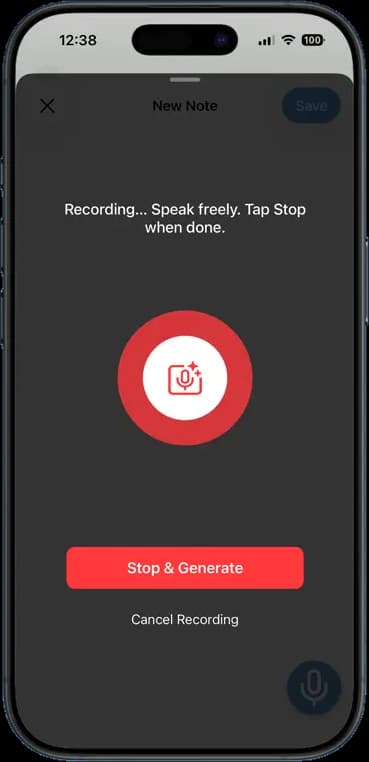
Tap record, say what you saw, tap stop. The app writes it up as a clean note with the details in order. Your hands stay on the work and your notes stay complete.
14 days free · $10/user/month after · Cancel anytime


What You Get
AI Job Notes, built for the job site.
Talk instead of type
Describe the job out loud. The note comes back as text you can read and search.
Structured, not a wall of words
The AI sorts what you said into headings and bullet points. Findings, work done, next steps.
Attached to the job
Every note lives on the job, next to the photos and the invoice. The office reads it right away.
Edit before you save
Fix a name, add a line, delete a ramble. Then save it as the record.
How It Works
Three taps. That is the whole workflow.
Tap the mic on any job
Start recording. Speak freely; there is no time limit that matters.
Stop and generate
The app transcribes the recording and turns it into a structured note.
Review and save
Read it over, tweak anything, and save. It is on the job for everyone.
14 days free · $10/user/month after · Cancel anytime
More Inside the App
Every other screen your crew will use.
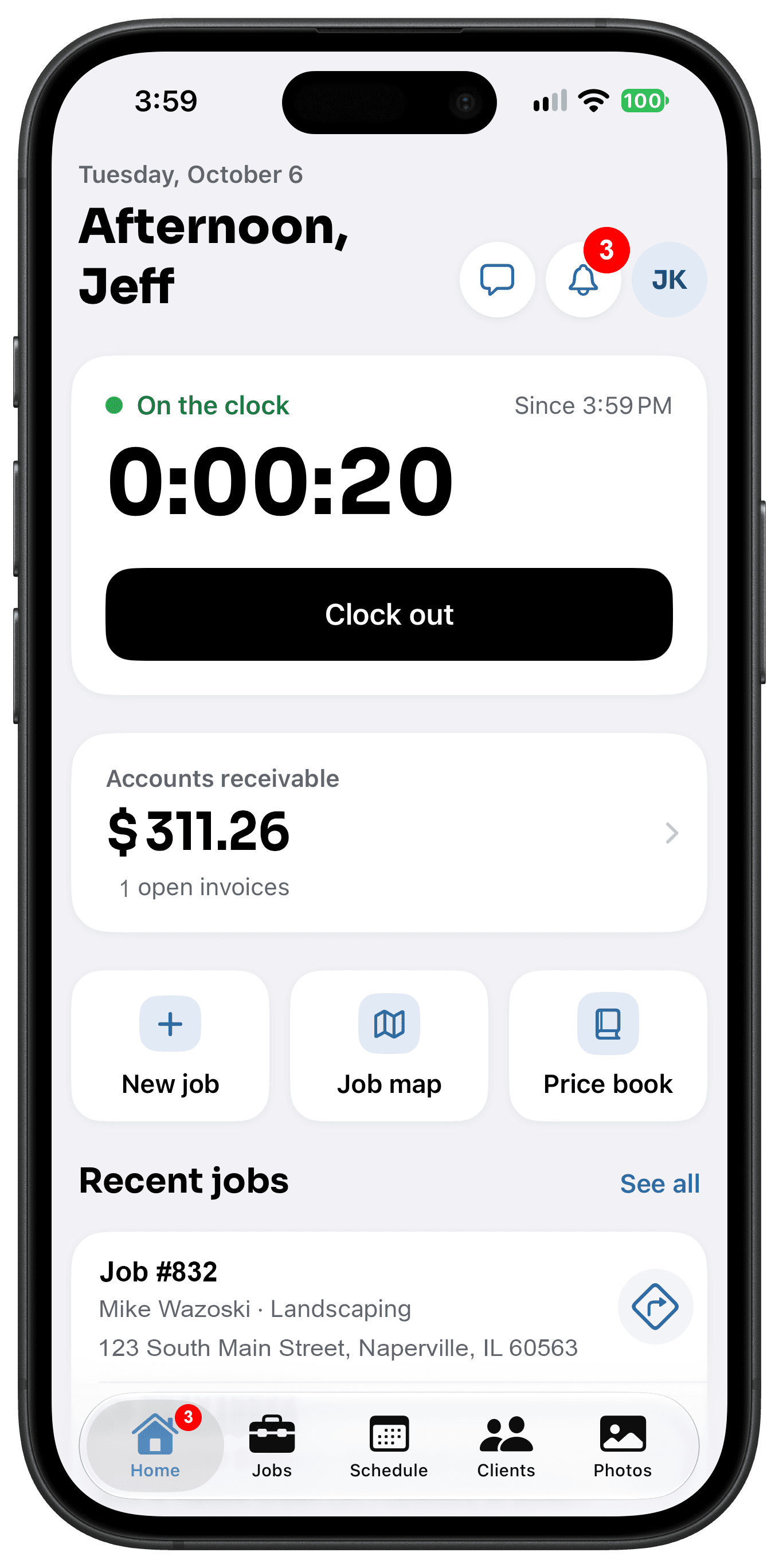
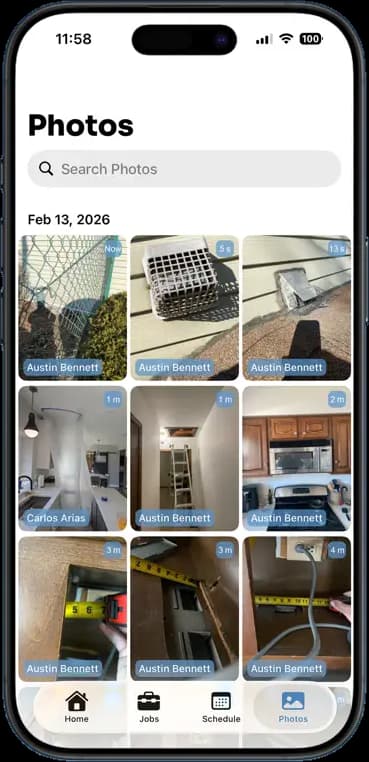
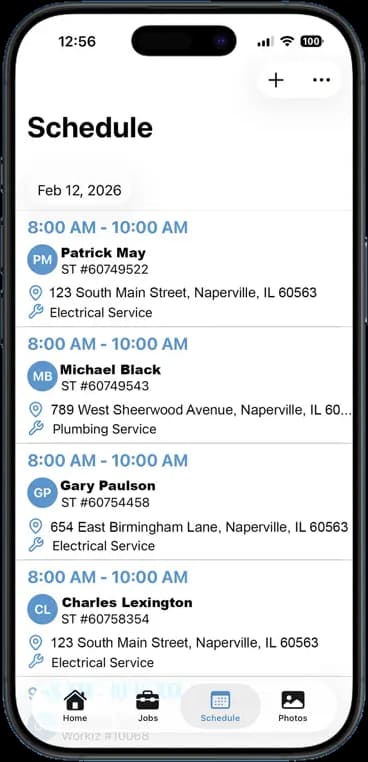
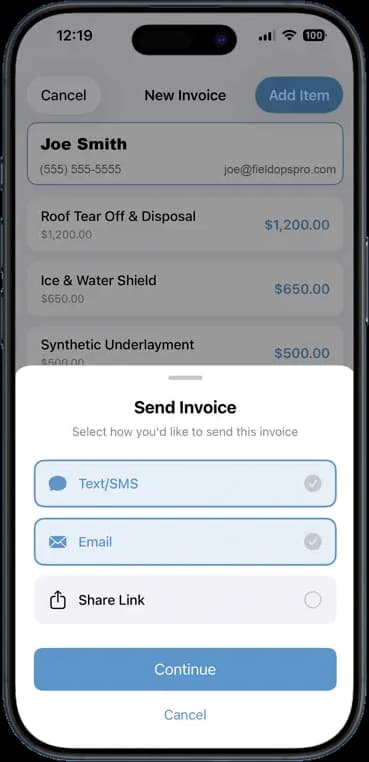
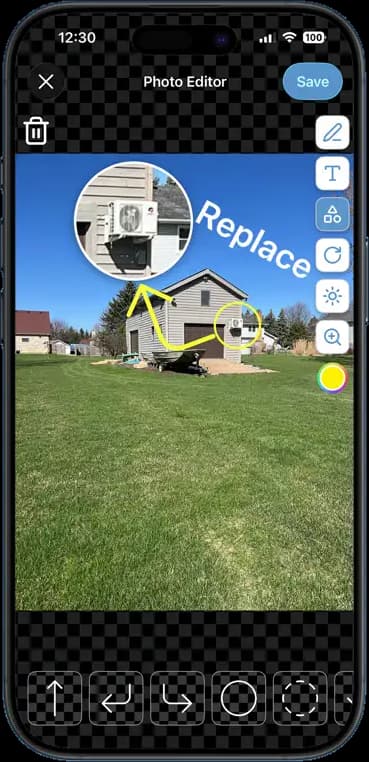
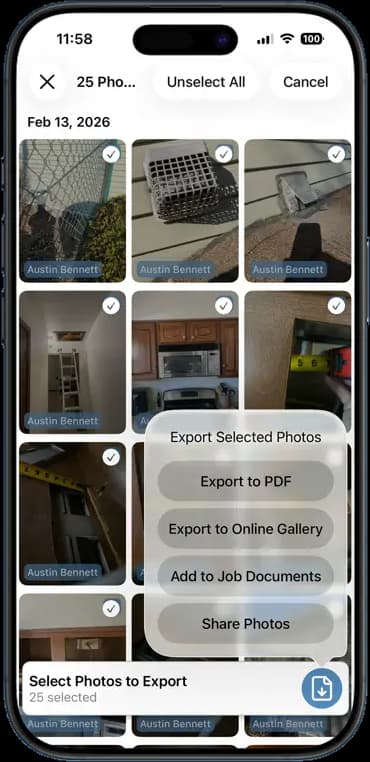
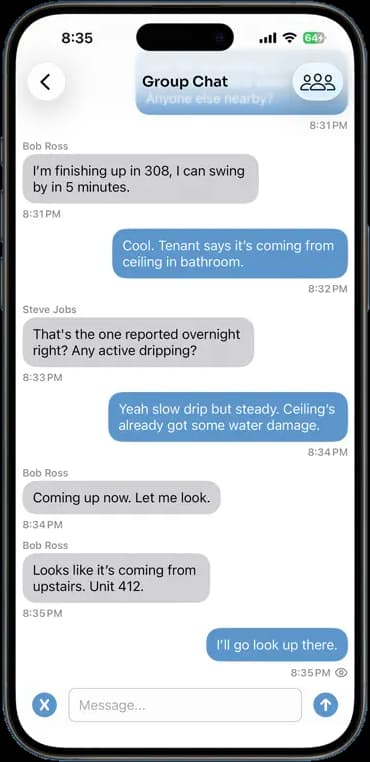
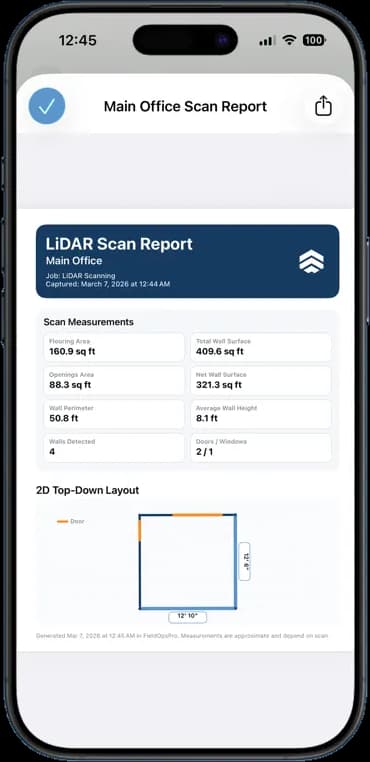
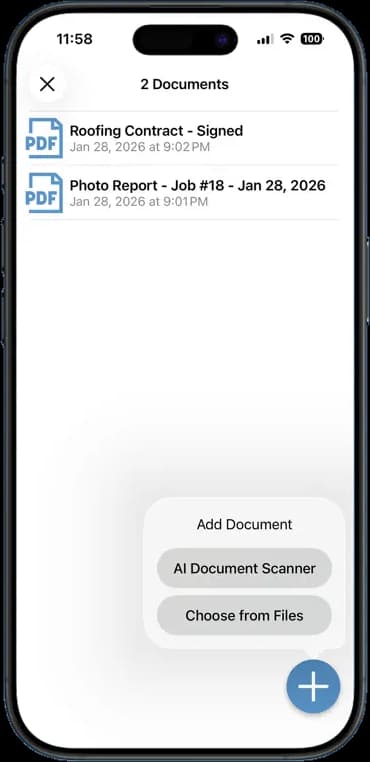
Photos, schedules, notes, invoices, chat, and documents — one app, one login, one price.
FAQ
Questions crews ask about ai job notes.
How accurate is the transcription?
Good enough to use as the record on most sites. Trade terms and part names come through well. You can edit anything before saving.
Does it need a signal to work?
The recording saves on the phone. Turning it into a note needs a connection, so it finishes as soon as you have signal.
Can I still type a note?
Yes. Type, dictate, or both. Every note ends up in the same place on the job.
Who can see the notes?
Anyone on your team with access to the job. Notes are not visible to customers unless you put them in a report.
Stop Running Your Business on Group Texts.
One app. One crew. One login. Setup takes 3 minutes.
Try It Free for 14 Days