
Stay connected to the field from anywhere.
Open the app and the day is already in front of you. Money owed, who is on the clock, the newest photos from every site, and a map of every job. No calls, no texts, no guessing.
14 days free · $10/user/month after · Cancel anytime


What You Get
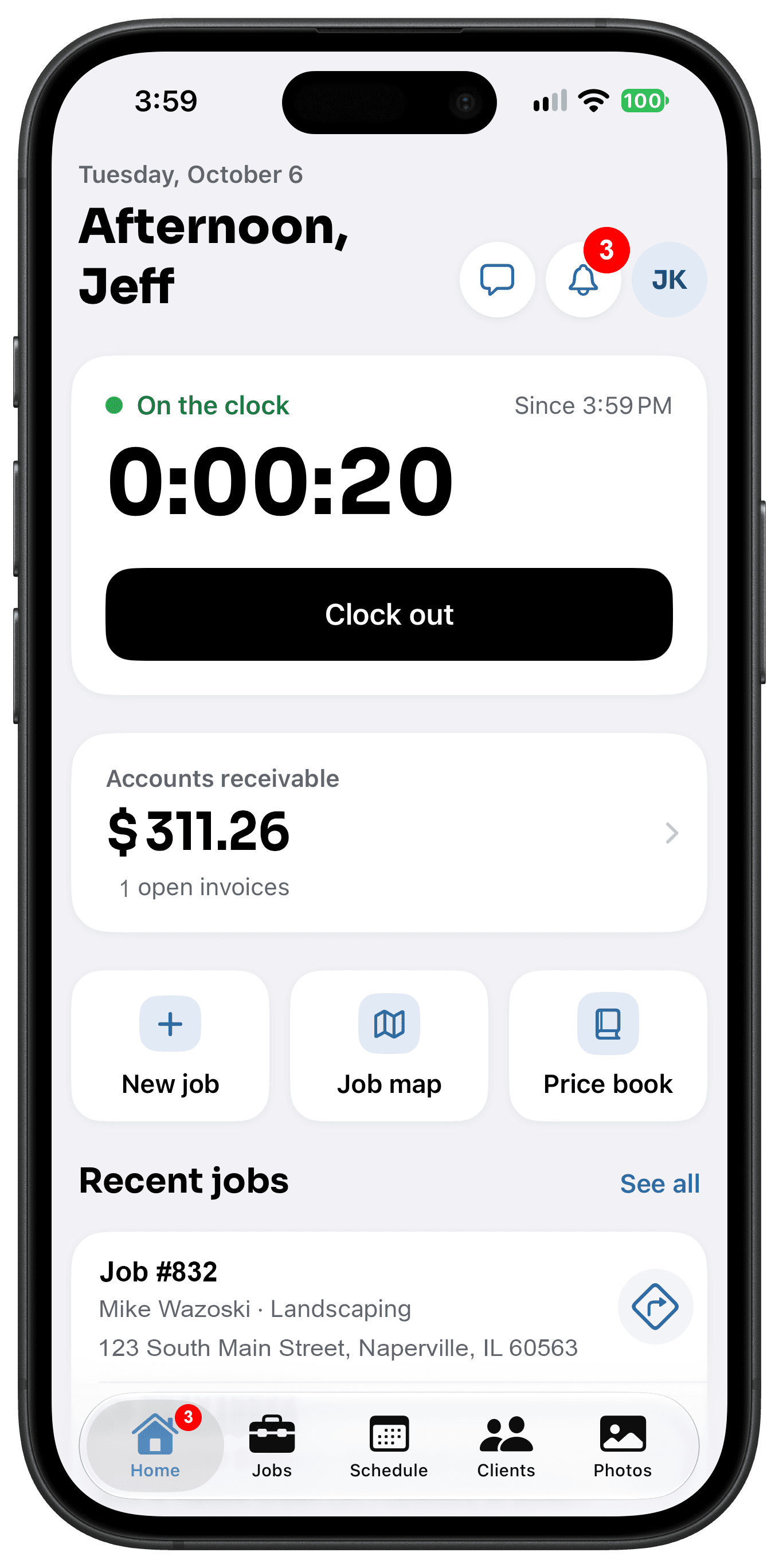
Home Dashboard, built for the job site.
Accounts receivable at a glance
The total your customers still owe sits at the top of the screen. Tap it to see which invoices are open.
Live timesheets
See who is clocked in right now and how long they have been on the job. Payroll starts here, not on a napkin.
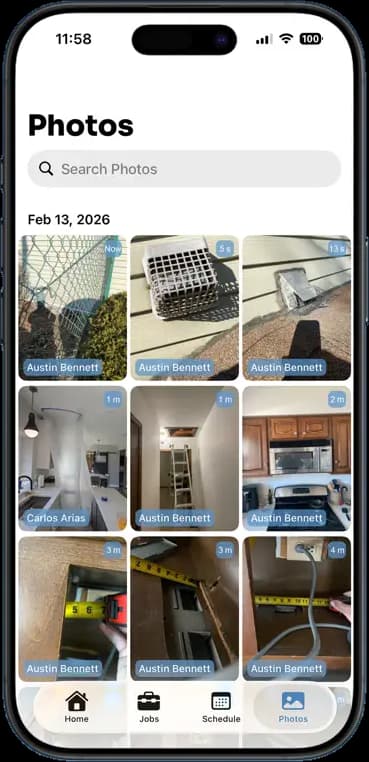
Latest photos from every site
Each photo shows who took it and when. You know the job is moving without driving out to check.
Job map and recent jobs
Every active job on one map, plus the jobs you looked at last. Jump back into any of them in one tap.
How It Works
Three taps. That is the whole workflow.
Open the app
The dashboard loads first. Nothing to set up, nothing to search for.
Scan the day
Check receivables, timesheets, and the newest photos in a few seconds.
Tap into any job
From the map or the recent list, go straight to the job's photos, notes, schedule, and invoice.
14 days free · $10/user/month after · Cancel anytime
More Inside the App
Every other screen your crew will use.
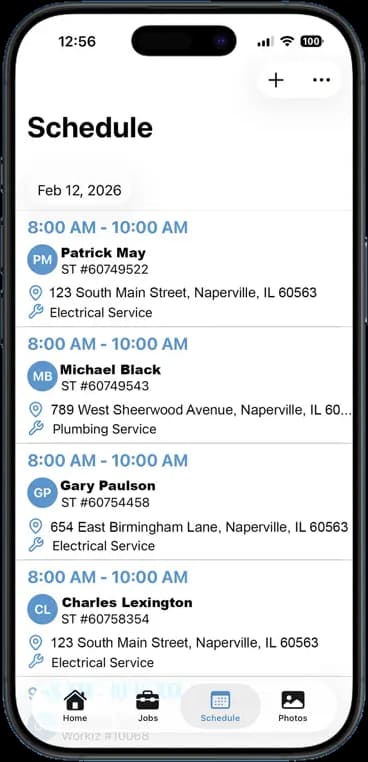
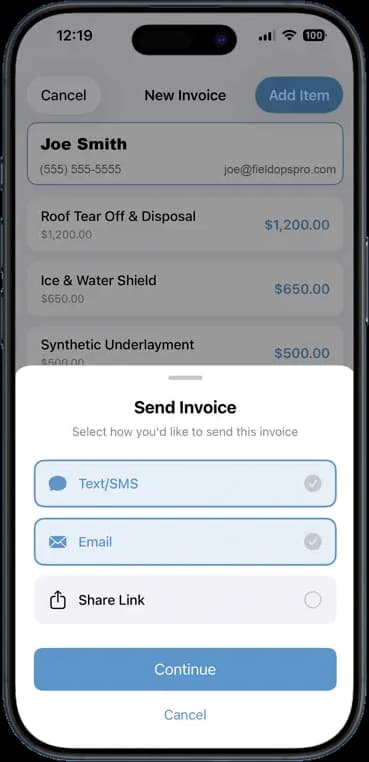
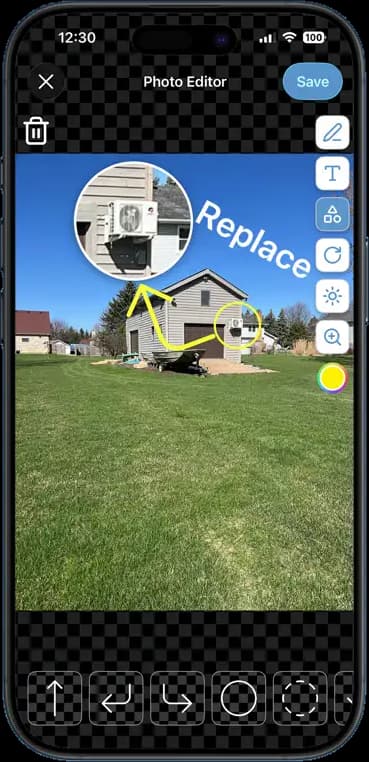
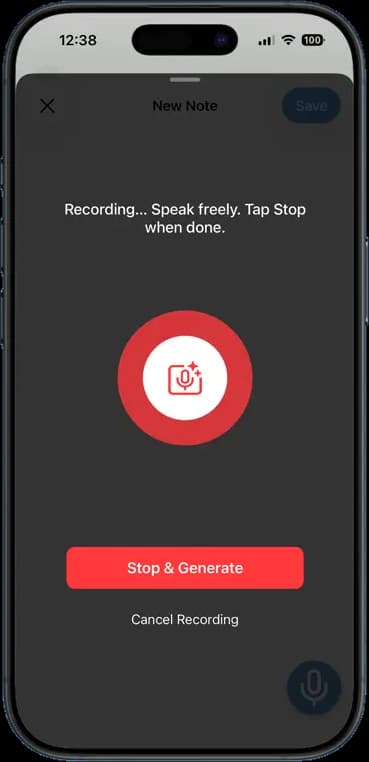
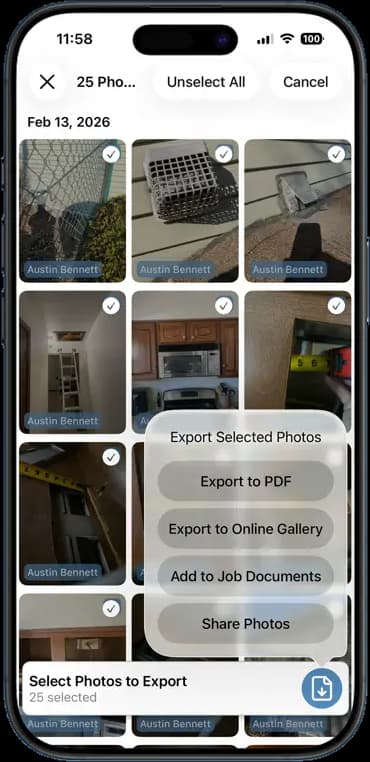
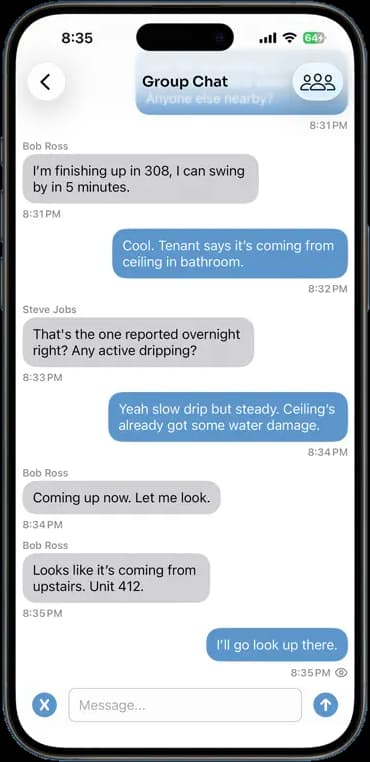
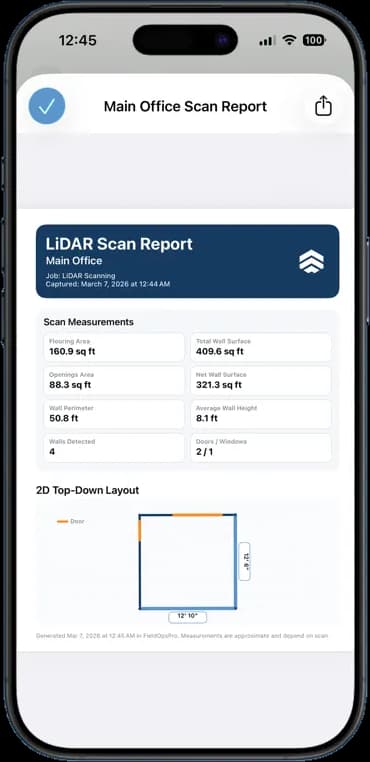
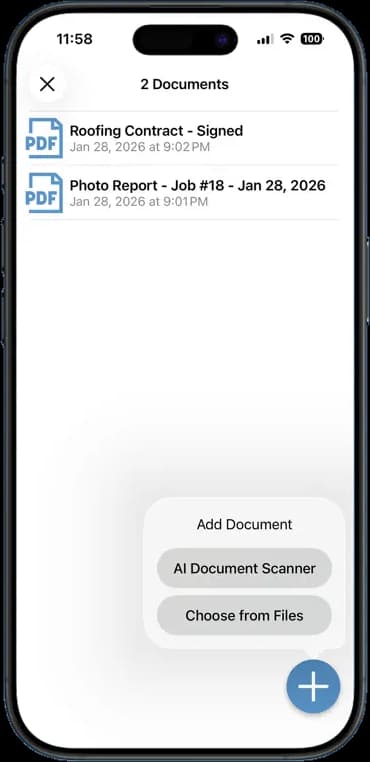
Photos, schedules, notes, invoices, chat, and documents — one app, one login, one price.
FAQ
Questions crews ask about home dashboard.
Does the dashboard update in real time?
Yes. Photos, timesheets, and job updates from your crew show up on your dashboard as soon as they sync. You do not need to refresh or ask anyone for a status.
Can my crew see the same dashboard?
Every user gets a dashboard, but what they see depends on their role. Owners and admins see receivables and the whole team's timesheets. Crew members see their own jobs, photos, and clock.
Does the job map show where my crew is?
The map shows the address of every job, so you can see the day's spread at a glance. Timesheets show who is clocked in at which job.
Does this work on Android and iPhone?
Yes. FieldOpsPro runs on both, and everyone on the team sees the same data whichever phone they carry.
Stop Running Your Business on Group Texts.
One app. One crew. One login. Setup takes 3 minutes.
Try It Free for 14 Days