
View daily job schedules.
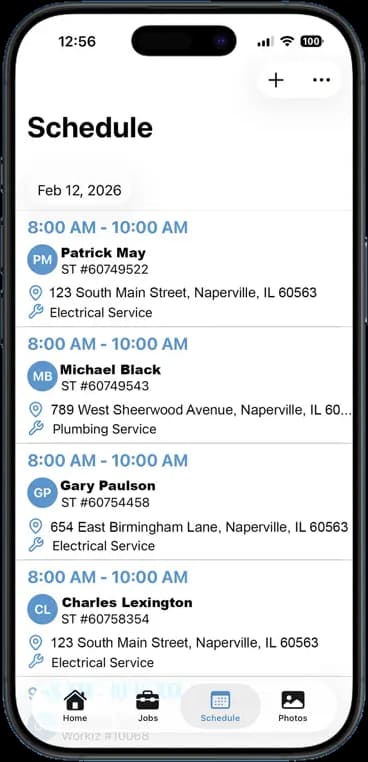
Build the day once and it shows up on every phone. Each job carries the time, the address, the service, and who is going. The whiteboard can go in the dumpster.
14 days free · $10/user/month after · Cancel anytime


What You Get
Job Scheduling, built for the job site.
One schedule, every phone
Assign a job and the crew member sees it right away. Move it and they see that too.
Address and service on the card
Time, customer, address, and job type all on one line. Tap the address to open directions.
Day, week, or month
Plan tomorrow or plan the quarter. Filter by crew member to see one person's load.
Assignments reach the crew
Put someone on a job and they get a push notification with the date and time. No phone tree, no group text.
How It Works
Three taps. That is the whole workflow.
Add a job
Pick the customer, the address, the time, and the service type.
Assign the crew
Choose who is going. They get a notification with everything they need.
Run the day
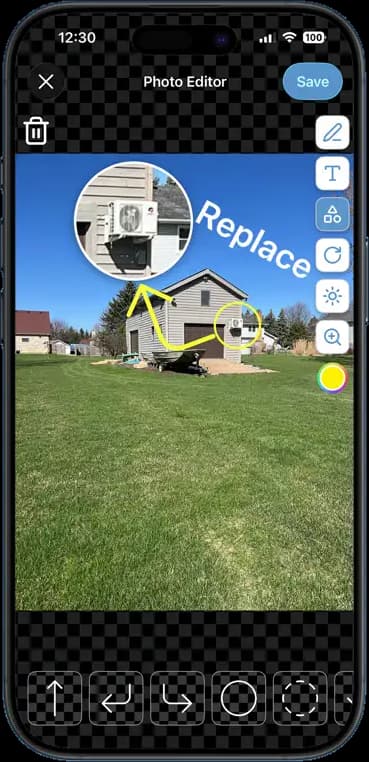
Each crew member works their list top to bottom. Photos, notes, and time tie back to the job.
14 days free · $10/user/month after · Cancel anytime
More Inside the App
Every other screen your crew will use.
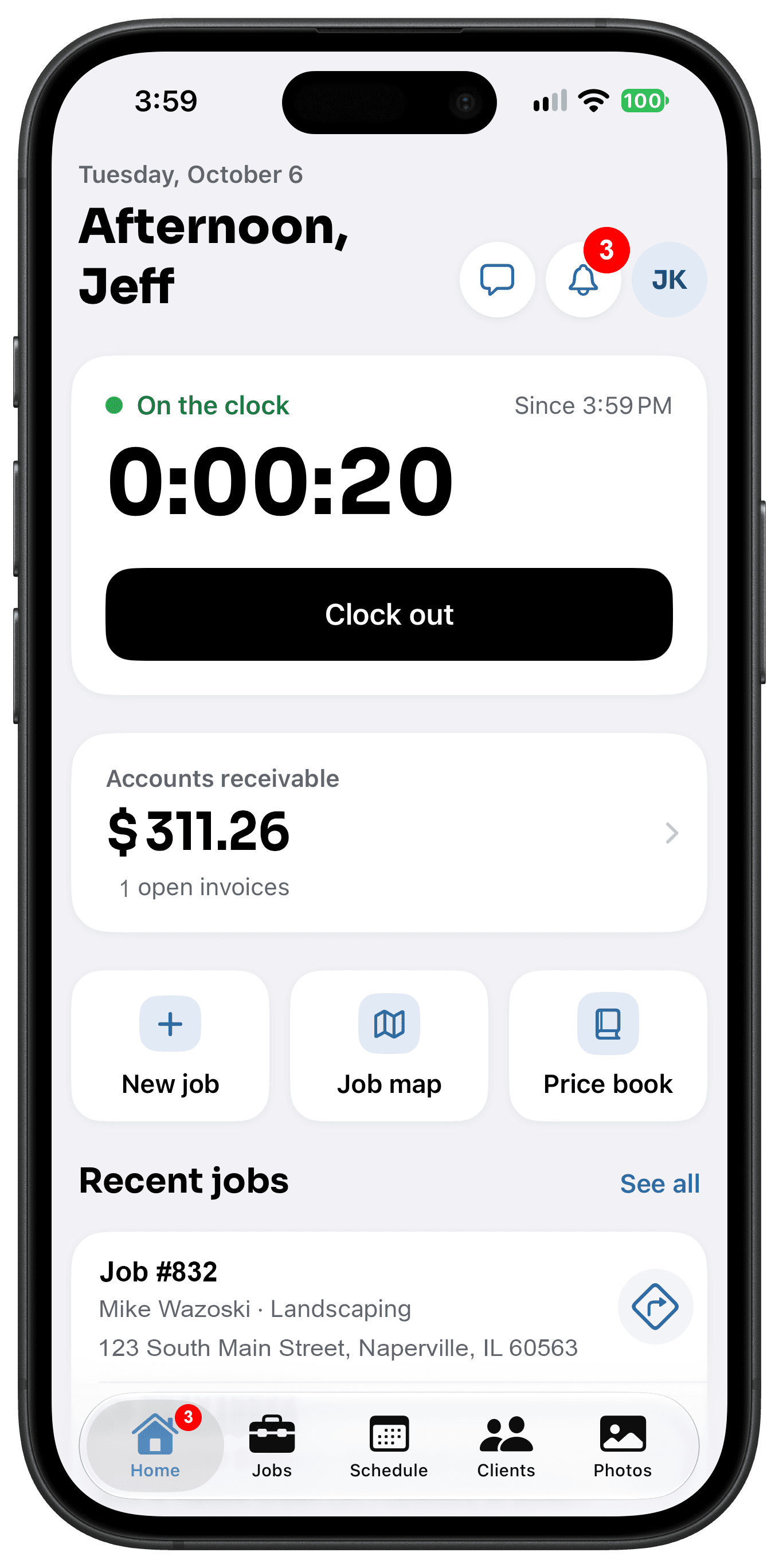
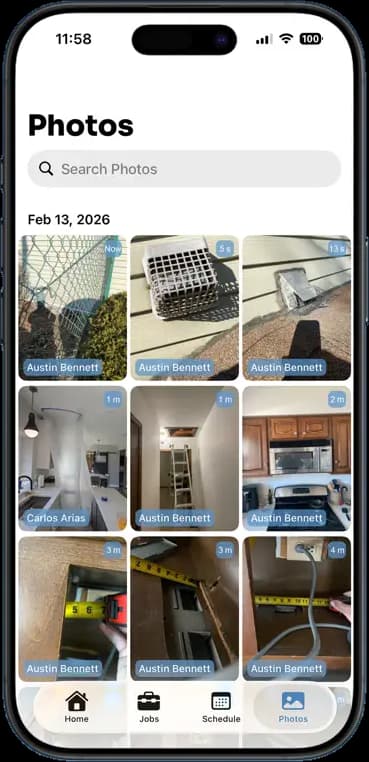
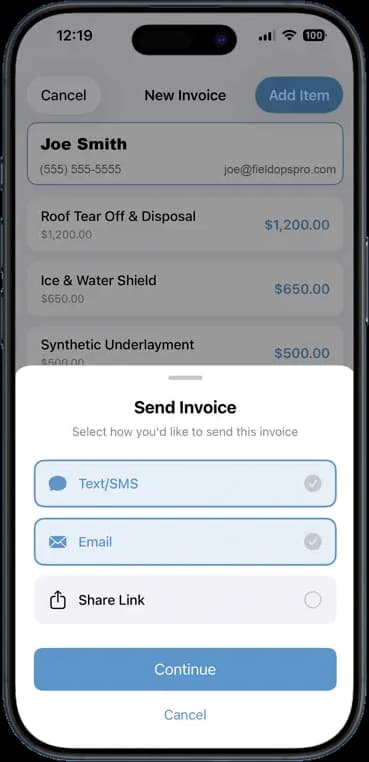
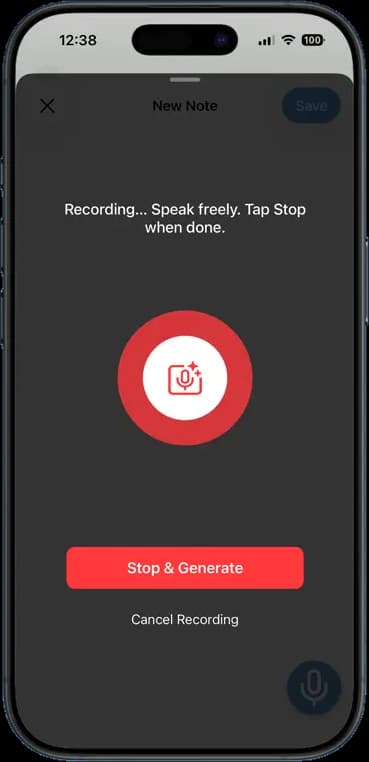
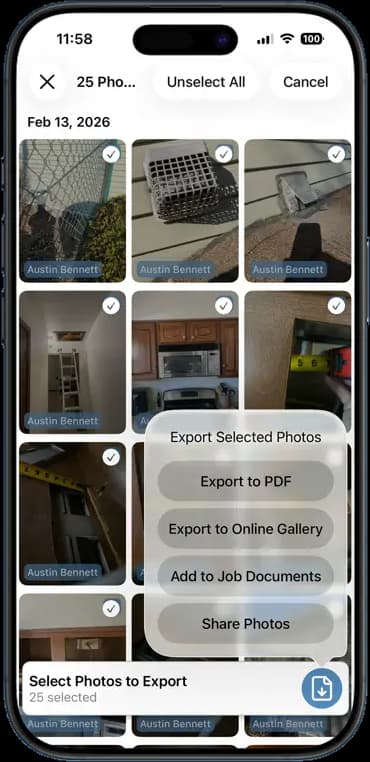
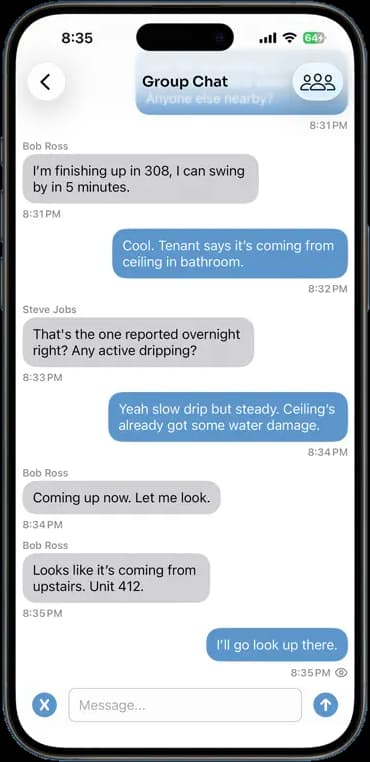
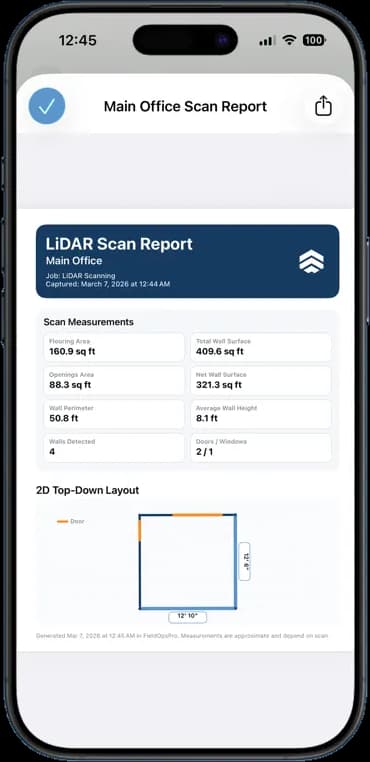
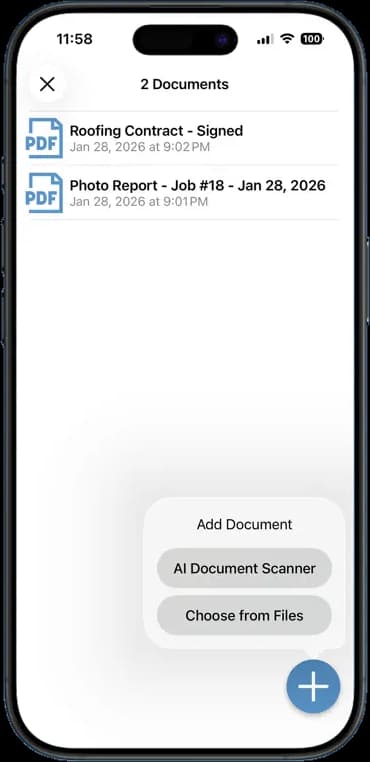
Photos, schedules, notes, invoices, chat, and documents — one app, one login, one price.
FAQ
Questions crews ask about job scheduling.
Can I assign more than one person to a job?
Yes. Assign as many crew members as the job needs. Each of them sees it on their own schedule.
Does the crew get notified about new jobs?
Yes. Assigning someone to a job sends them a push notification with the date and time. Any later changes show up on their schedule the next time they open it.
Can I schedule recurring jobs?
Yes. Set a job to repeat weekly or monthly for maintenance contracts and regular service calls.
Stop Running Your Business on Group Texts.
One app. One crew. One login. Setup takes 3 minutes.
Try It Free for 14 Days