
Send invoices to clients and get paid faster.
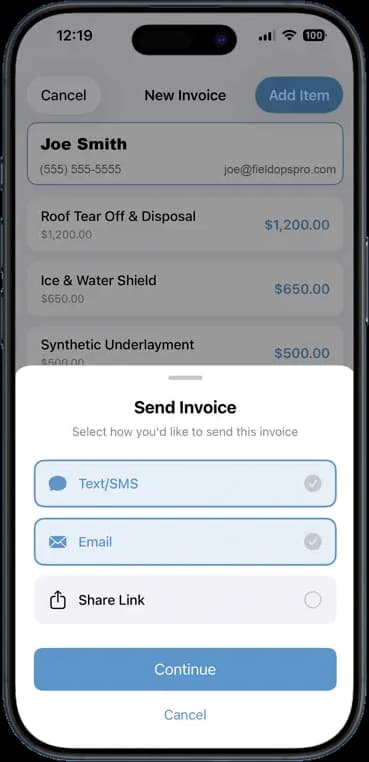
Add the line items, tap send, done. The invoice goes out by text, email, or a link while the customer is still standing there. Sunday-night paperwork is over.
14 days free · $10/user/month after · Cancel anytime


What You Get
Invoicing & Estimates, built for the job site.
Line items in seconds
Add labor, materials, and services with a price on each. Totals add up as you go.
Send by text, email, or link
Pick how the customer wants it. They get a clean invoice they can pay from their phone.
Estimate to invoice in one tap
Turn an approved estimate into an invoice without retyping a thing.
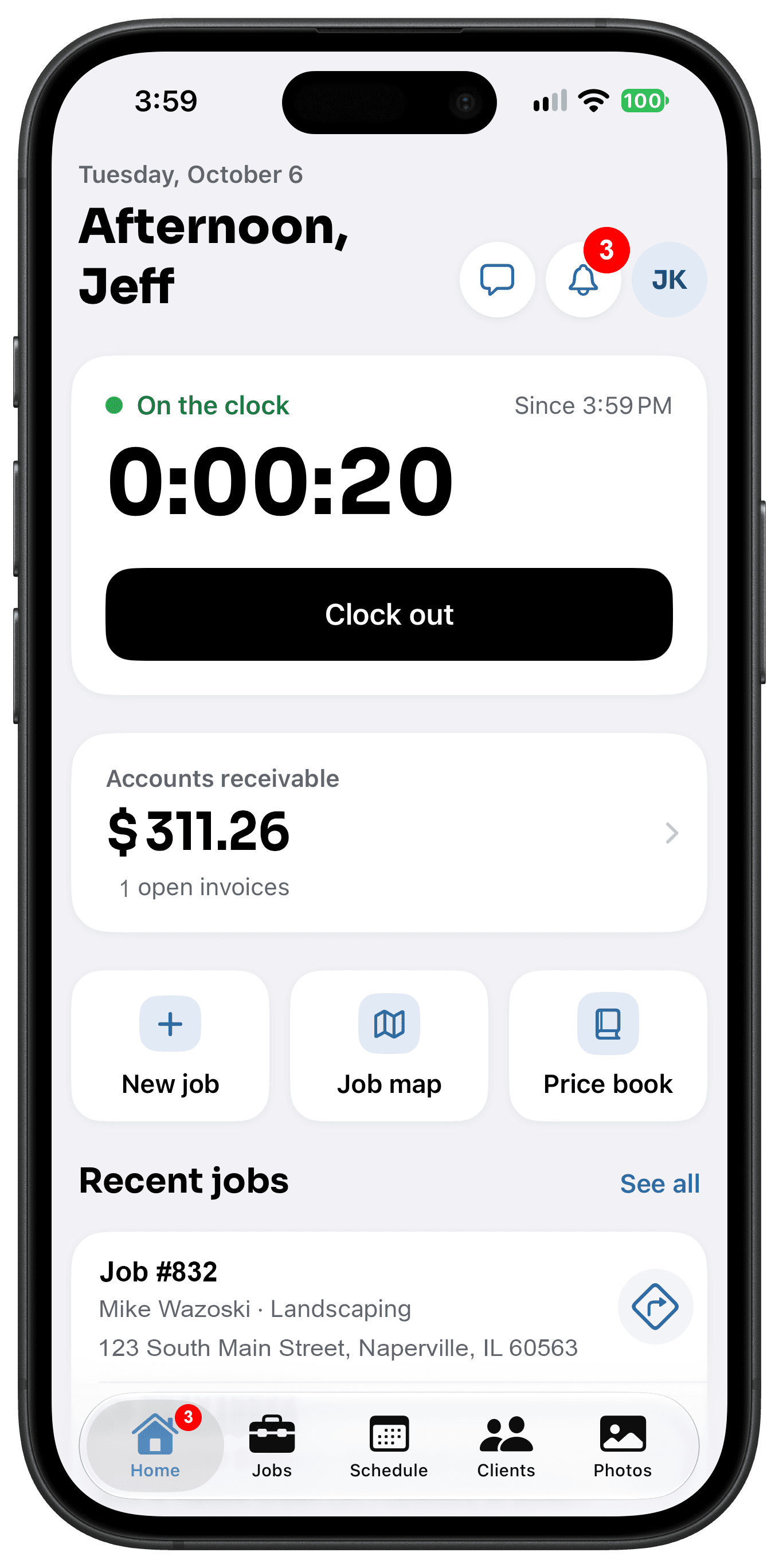
Know what is owed
Open invoices roll up into accounts receivable on your dashboard. Chase the right ones.
How It Works
Three taps. That is the whole workflow.
Build it on site
Open the job, add line items, and check the total.
Send it
Choose text, email, or a share link. The customer has it in seconds.
Get paid
The customer pays online. The invoice marks itself paid and your receivables update.
14 days free · $10/user/month after · Cancel anytime
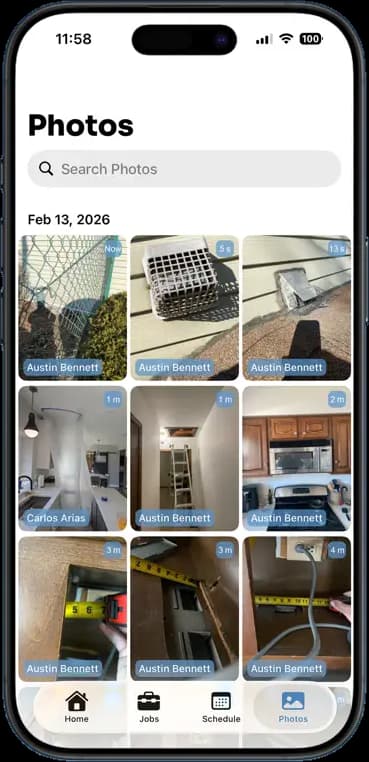
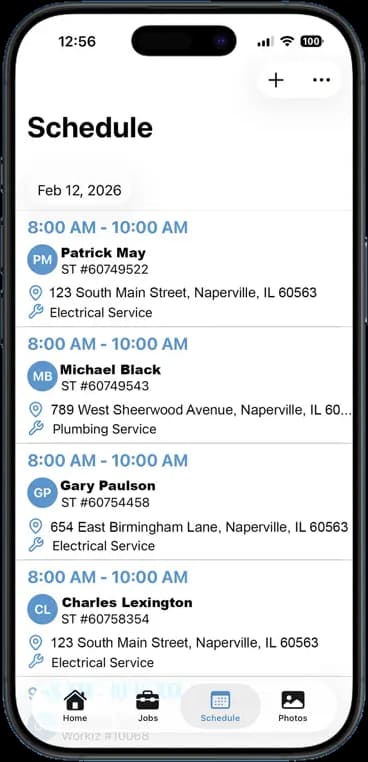
More Inside the App
Every other screen your crew will use.
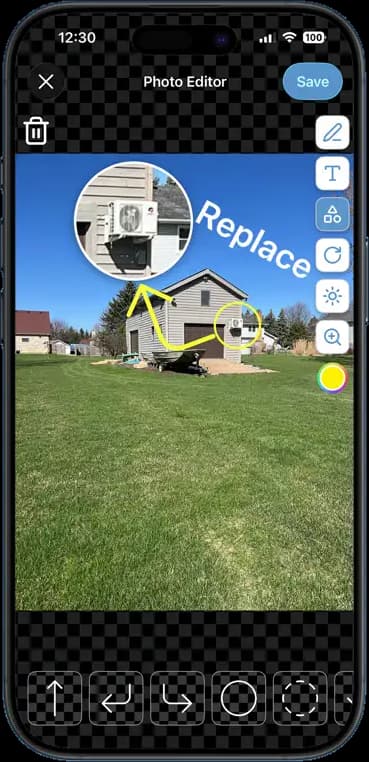
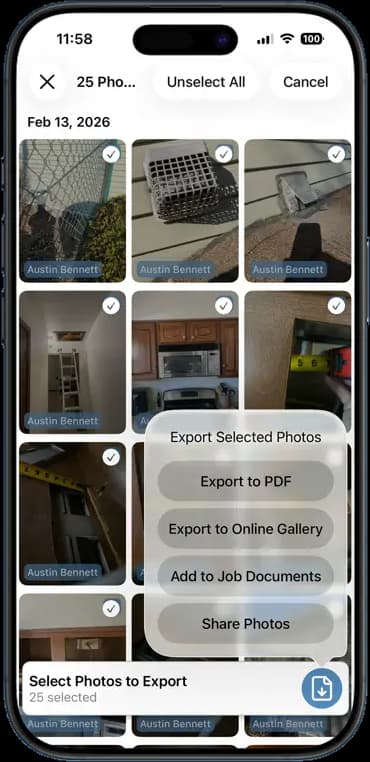
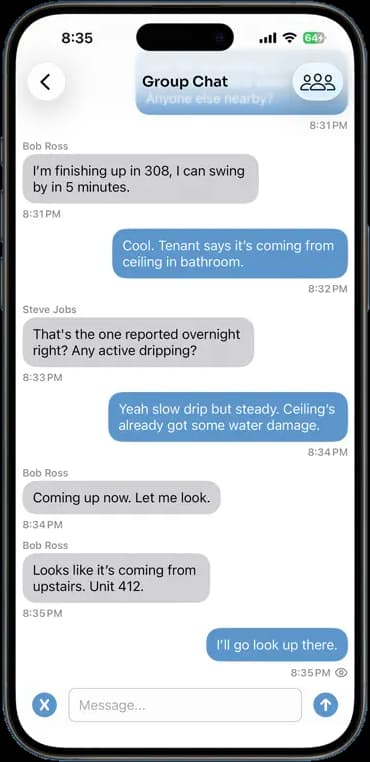
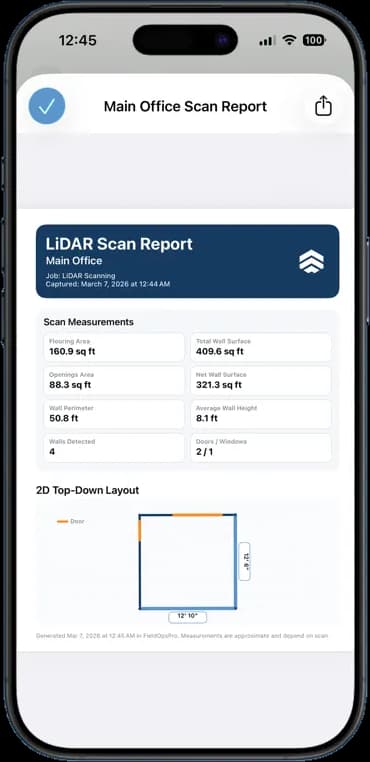
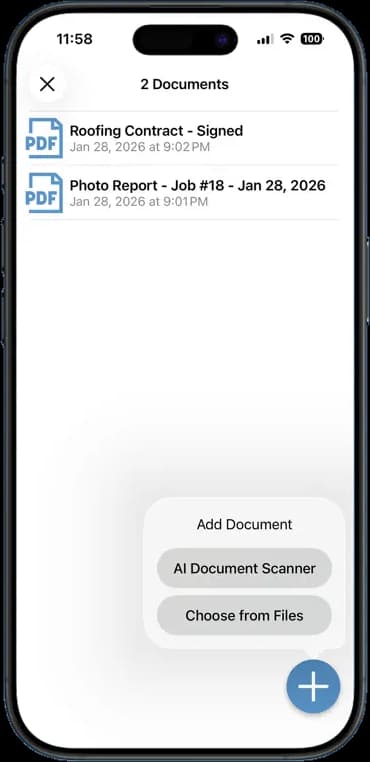
Photos, schedules, notes, invoices, chat, and documents — one app, one login, one price.
FAQ
Questions crews ask about invoicing & estimates.
Can customers pay online?
Yes. Each invoice carries a payment link. Customers pay by card and the invoice marks itself paid.
Can I turn an estimate into an invoice?
Yes. Once the customer approves the estimate, one tap turns it into an invoice with the same line items.
Can I add my logo to invoices?
Yes. Upload your logo once and it appears on every estimate, invoice, and PDF report you send.
Stop Running Your Business on Group Texts.
One app. One crew. One login. Setup takes 3 minutes.
Try It Free for 14 Days