
Organize and manage documents.
The signed contract, the photo report, the permit, the scan. All on the job, all on your phone, all findable in one tap. No filing cabinet, no email search.
14 days free · $10/user/month after · Cancel anytime


What You Get
Job Documents, built for the job site.
Everything on the job
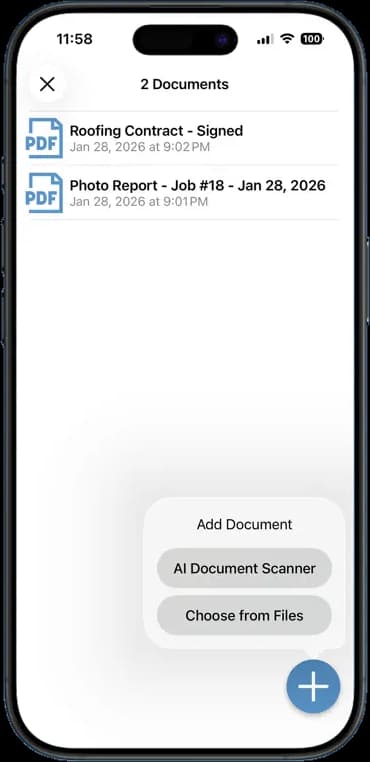
Documents sit beside the photos, notes, and invoice for that job. One place to look.
Scan paper with the camera
The AI document scanner turns a paper contract or receipt into a clean PDF in seconds.
Add files from anywhere
Pull a PDF from Files, email, or another app and attach it to the job.
Reports file themselves
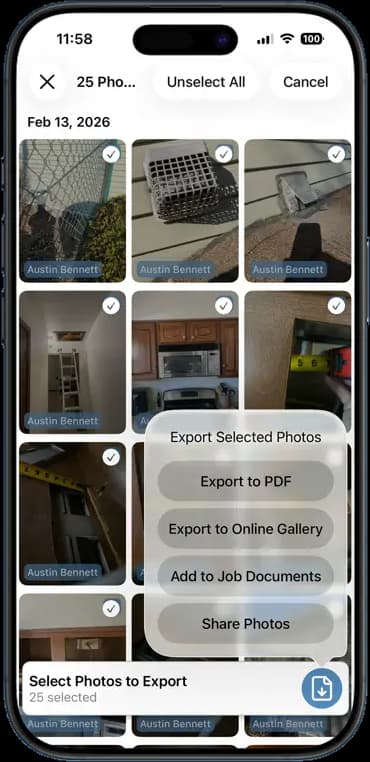
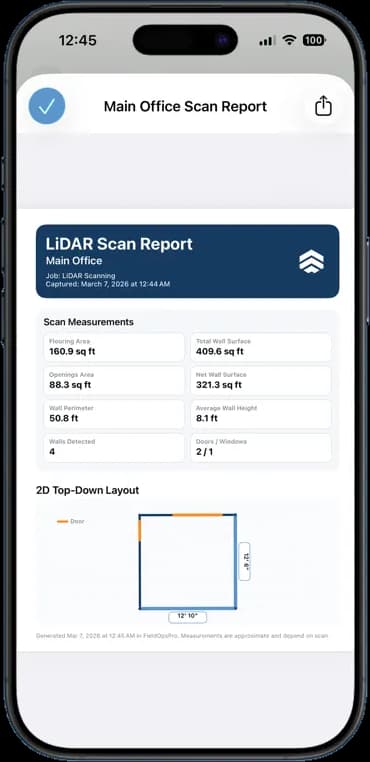
Photo reports and LiDAR scans save straight into the job's documents when you create them.
How It Works
Three taps. That is the whole workflow.
Open the job's documents
Every job has a documents tab. Tap the plus to add one.
Scan or choose a file
Point the camera at the paper, or pick a file from your phone.
Find it later
Documents list by name and date. Open, share, or send any of them in a tap.
14 days free · $10/user/month after · Cancel anytime
More Inside the App
Every other screen your crew will use.
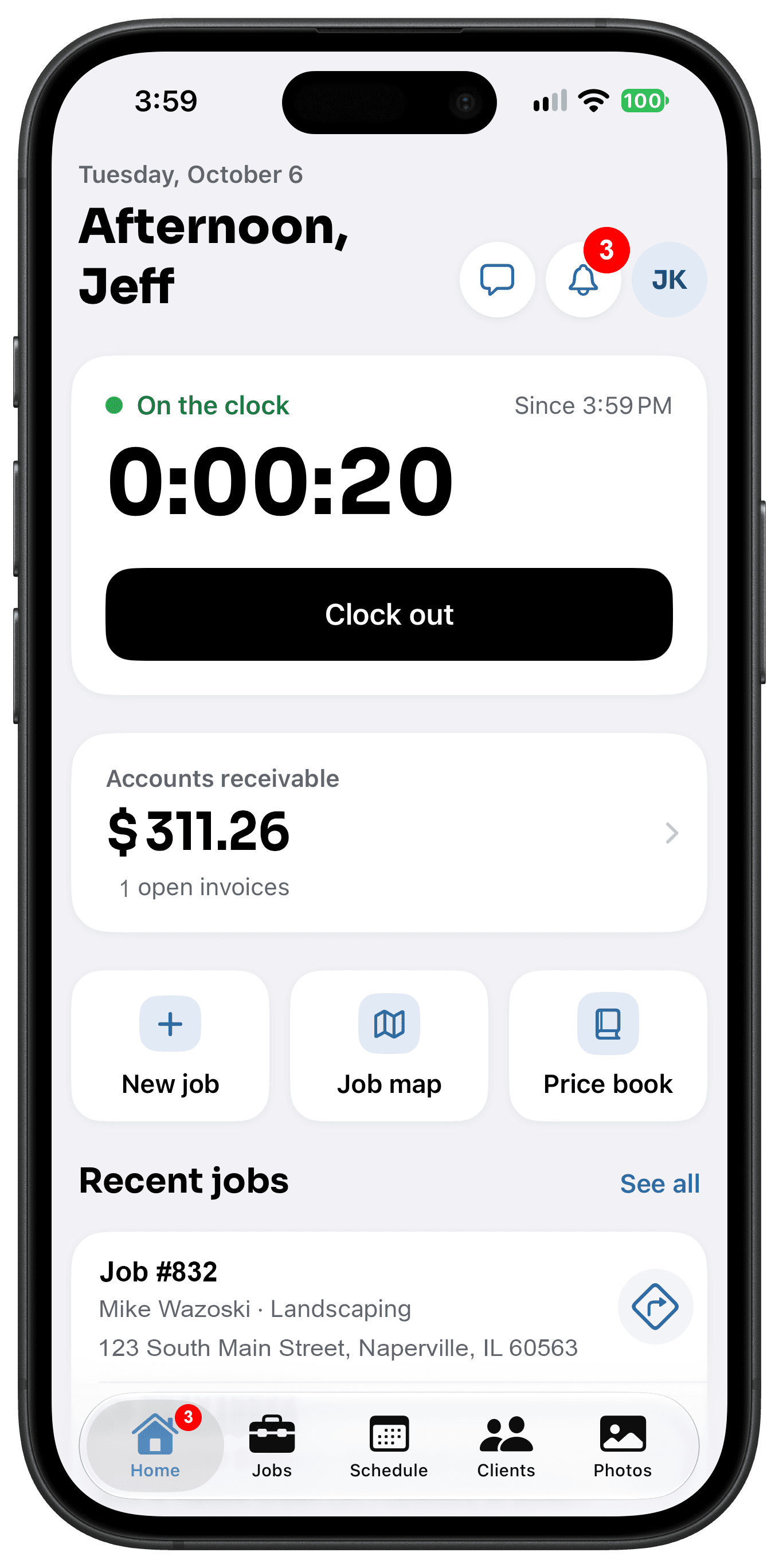
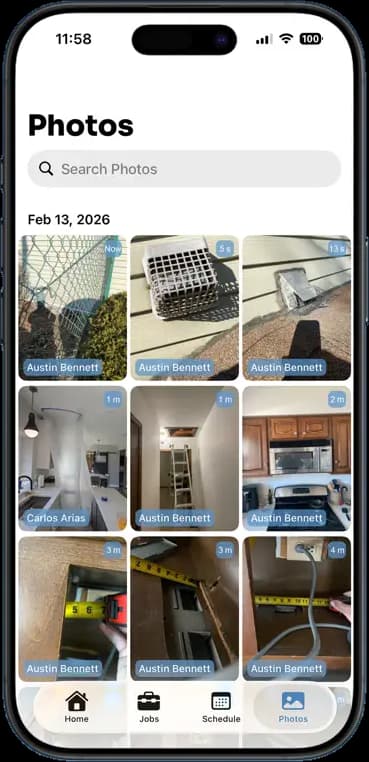
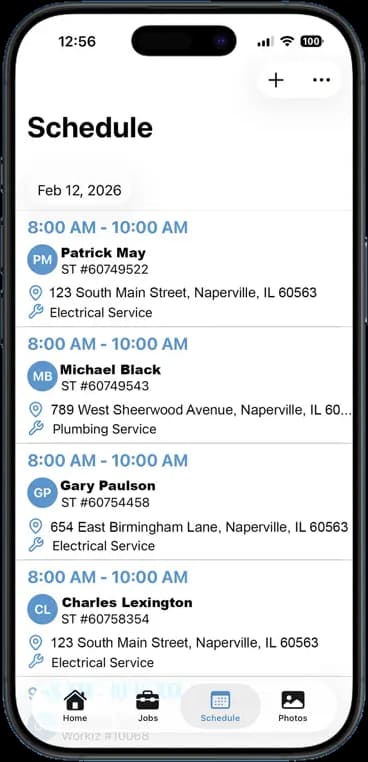
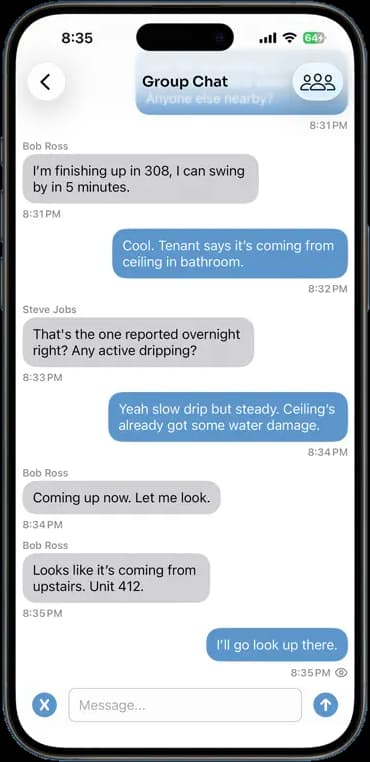
Photos, schedules, notes, invoices, chat, and documents — one app, one login, one price.
FAQ
Questions crews ask about job documents.
What file types can I add?
PDFs, images, and common office files. Scans from the camera save as PDF.
Can the crew see job documents?
Anyone with access to the job can view its documents. Owners and admins control who has access.
Is there a storage limit?
No. Documents share the same unlimited cloud storage as photos and videos.
Can I send a document to a customer?
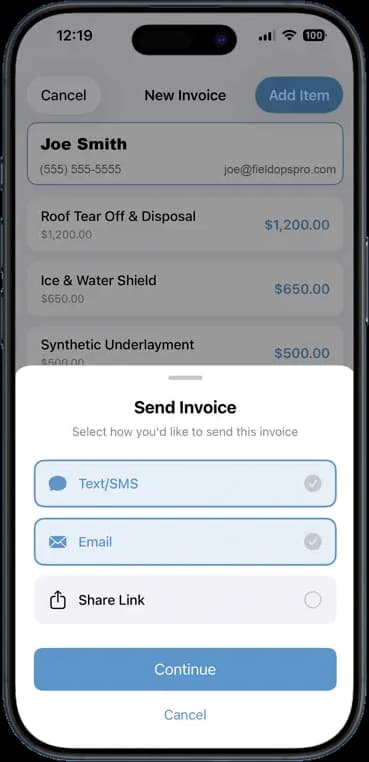
Yes. Share any document by text, email, or link straight from the job.
Stop Running Your Business on Group Texts.
One app. One crew. One login. Setup takes 3 minutes.
Try It Free for 14 Days