
Mark up photos to call attention.
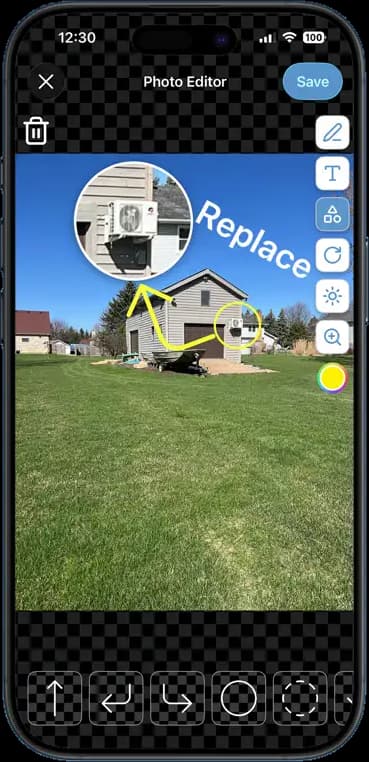
A photo shows the wall. A marked-up photo shows the crack in the wall, the arrow pointing at it, and the word 'Replace' next to it. Nobody has to guess what you meant.
14 days free · $10/user/month after · Cancel anytime


What You Get
Photo Markup, built for the job site.
Arrows, circles, and text
Point at the problem, ring it, and label it. Pick a color that stands out against the photo.
Zoom in on the detail
Pull a magnified callout out of the photo so a small defect reads big.
The original stays untouched
Markup saves as a new version. The clean timestamped photo is still there for the record.
Shows up in reports
Marked-up photos drop straight into PDF reports, estimates, and gallery links.
How It Works
Three taps. That is the whole workflow.
Open any job photo
Tap the edit button on a photo that is already on the job.
Mark it up
Draw, circle, add a callout, or type a label. Undo anything.
Save and share
The marked-up copy joins the job. Send it to the crew or drop it in a report.
14 days free · $10/user/month after · Cancel anytime
More Inside the App
Every other screen your crew will use.
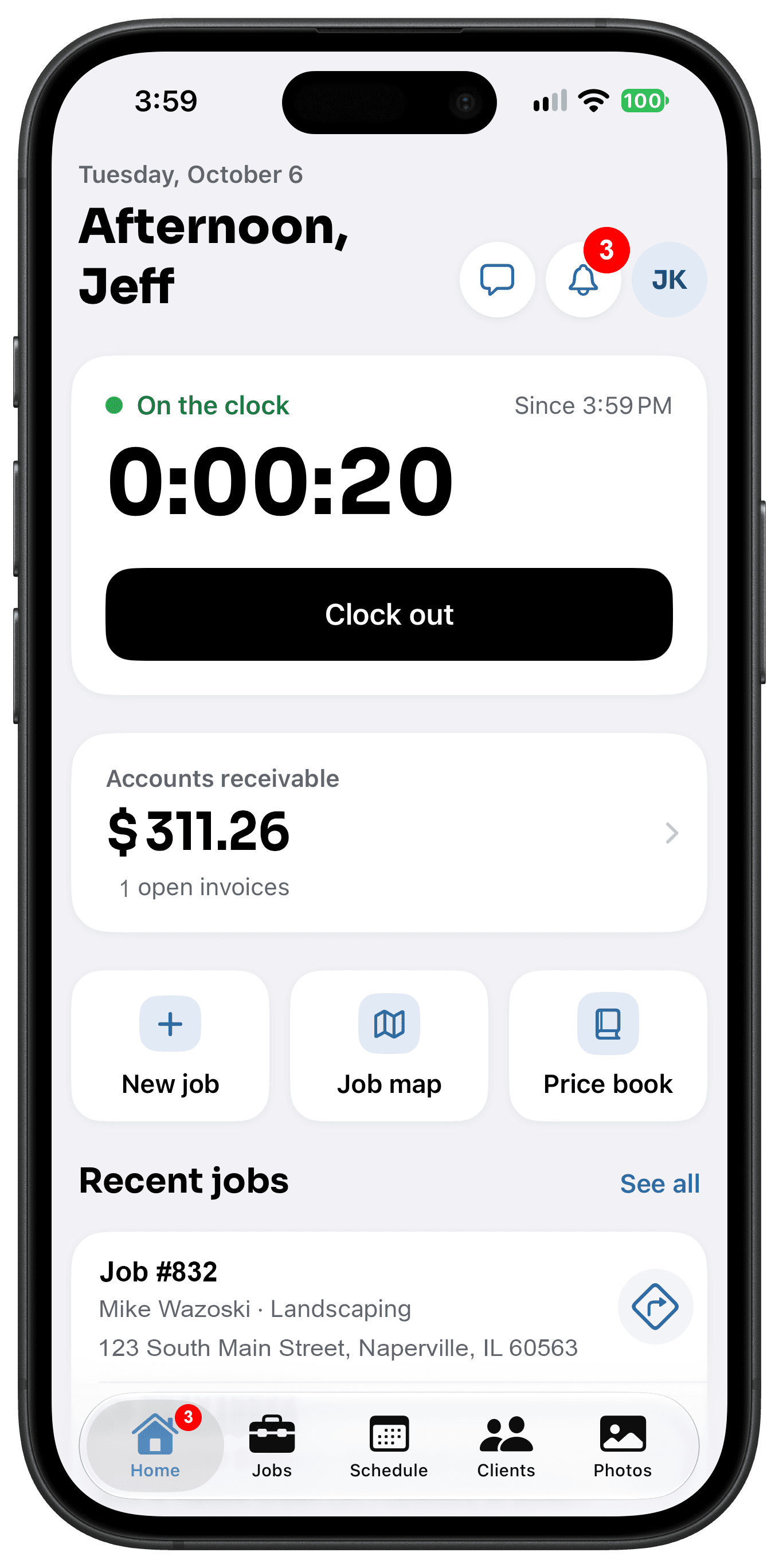
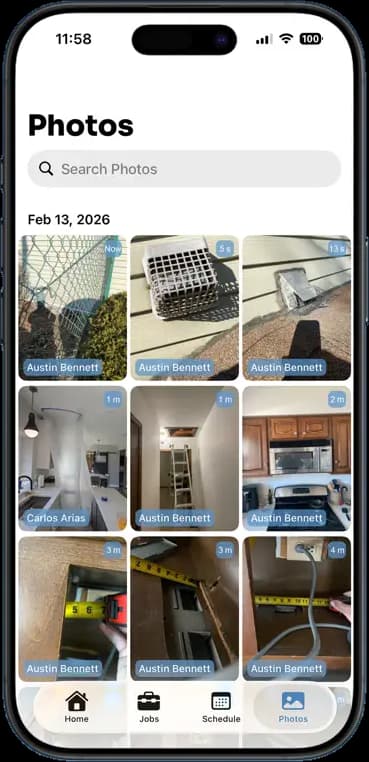
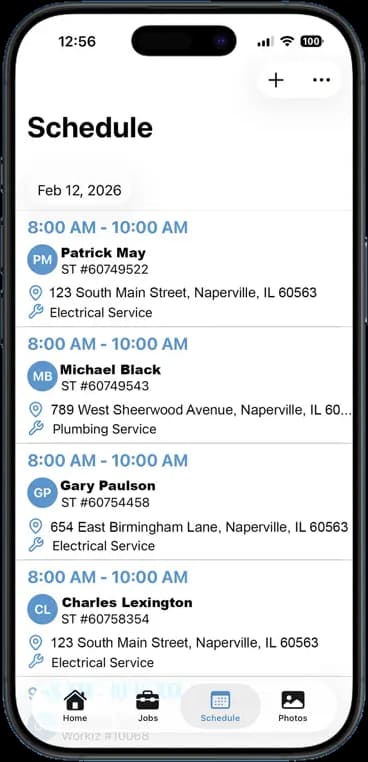
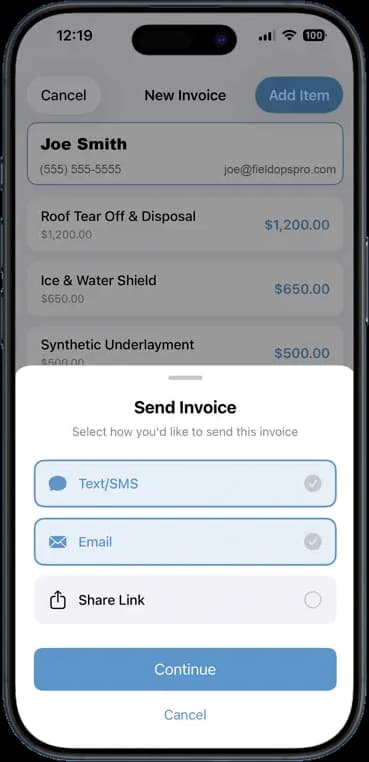
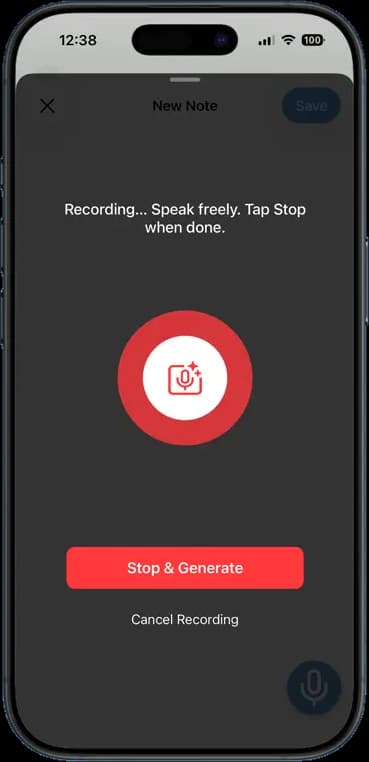
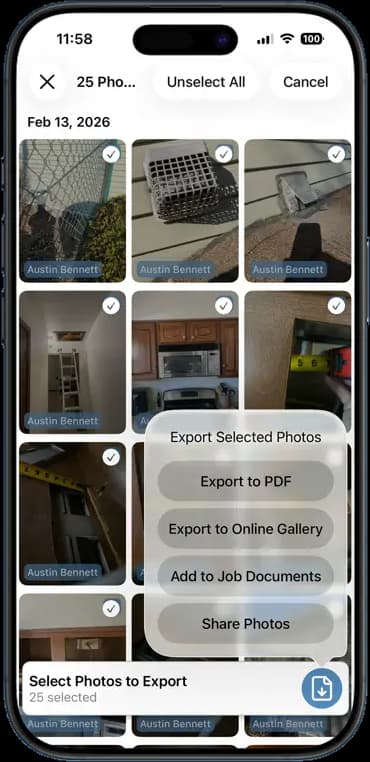
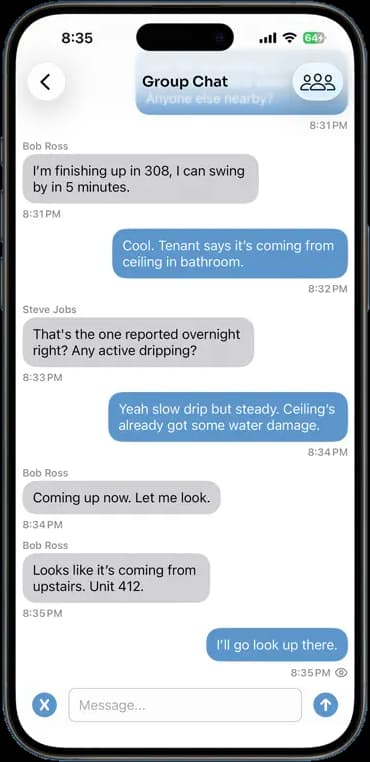
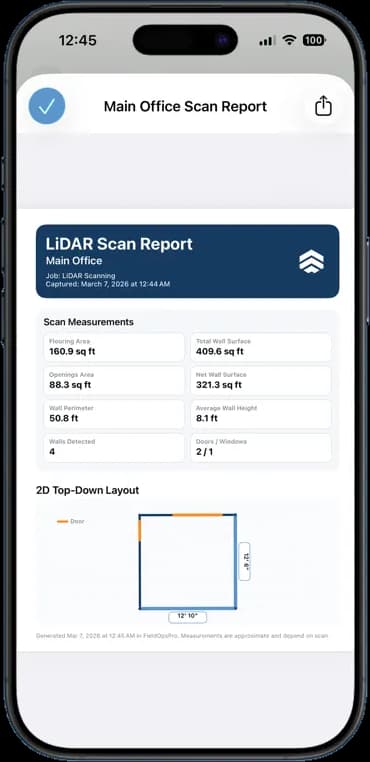
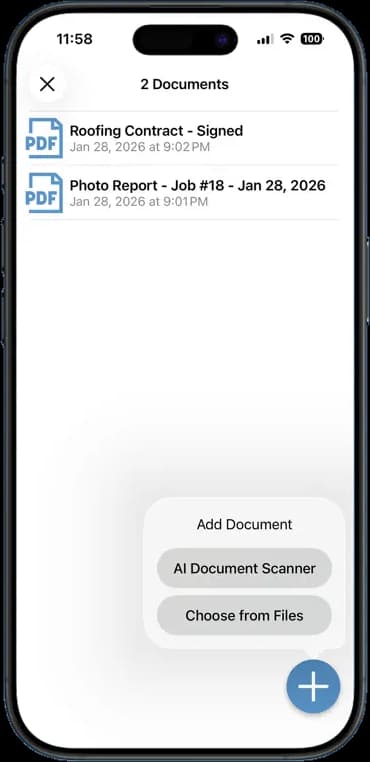
Photos, schedules, notes, invoices, chat, and documents — one app, one login, one price.
FAQ
Questions crews ask about photo markup.
Does markup overwrite the original photo?
No. The marked-up image saves as a new photo on the job. The original keeps its timestamp and stays in the record.
Can I mark up a photo someone else took?
Yes. Any photo on a job you can see is open to markup, whoever took it.
Can I use marked-up photos in an estimate?
Yes. Attach any job photo, marked up or not, to an estimate, an invoice, or a PDF report.
Does it work on video?
Markup works on photos. For video, take a screenshot of the frame you want and mark that up.
Stop Running Your Business on Group Texts.
One app. One crew. One login. Setup takes 3 minutes.
Try It Free for 14 Days