
Use LiDAR to create PDF scan reports.
Walk the room with your phone. The app measures floor area, wall surface, ceiling height, and openings, draws a top-down layout, and saves a PDF to the job. No tape measure, no math.
14 days free · $10/user/month after · Cancel anytime


What You Get
LiDAR Scan Reports, built for the job site.
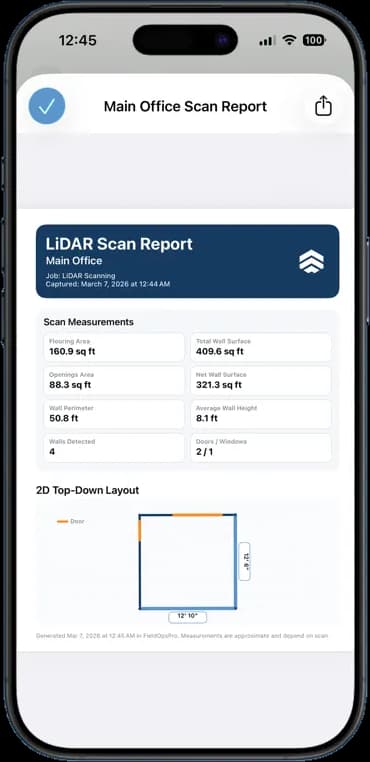
Floor and wall measurements
Flooring area, total and net wall surface, perimeter, and average wall height, all in one pass.
Doors and windows counted
Openings are detected and subtracted, so net wall surface is the number you actually quote from.
2D top-down layout
A dimensioned floor plan of the room, with door positions marked.
PDF on the job
The report saves to the job's documents and shares like any other file.
How It Works
Three taps. That is the whole workflow.
Start a scan on the job
Open the job and tap LiDAR scan. Point the phone around the room.
Let the app measure
It builds the layout and totals the areas as you walk.
Save the PDF
The report attaches to the job. Use it for the estimate or send it to the customer.
14 days free · $10/user/month after · Cancel anytime
More Inside the App
Every other screen your crew will use.
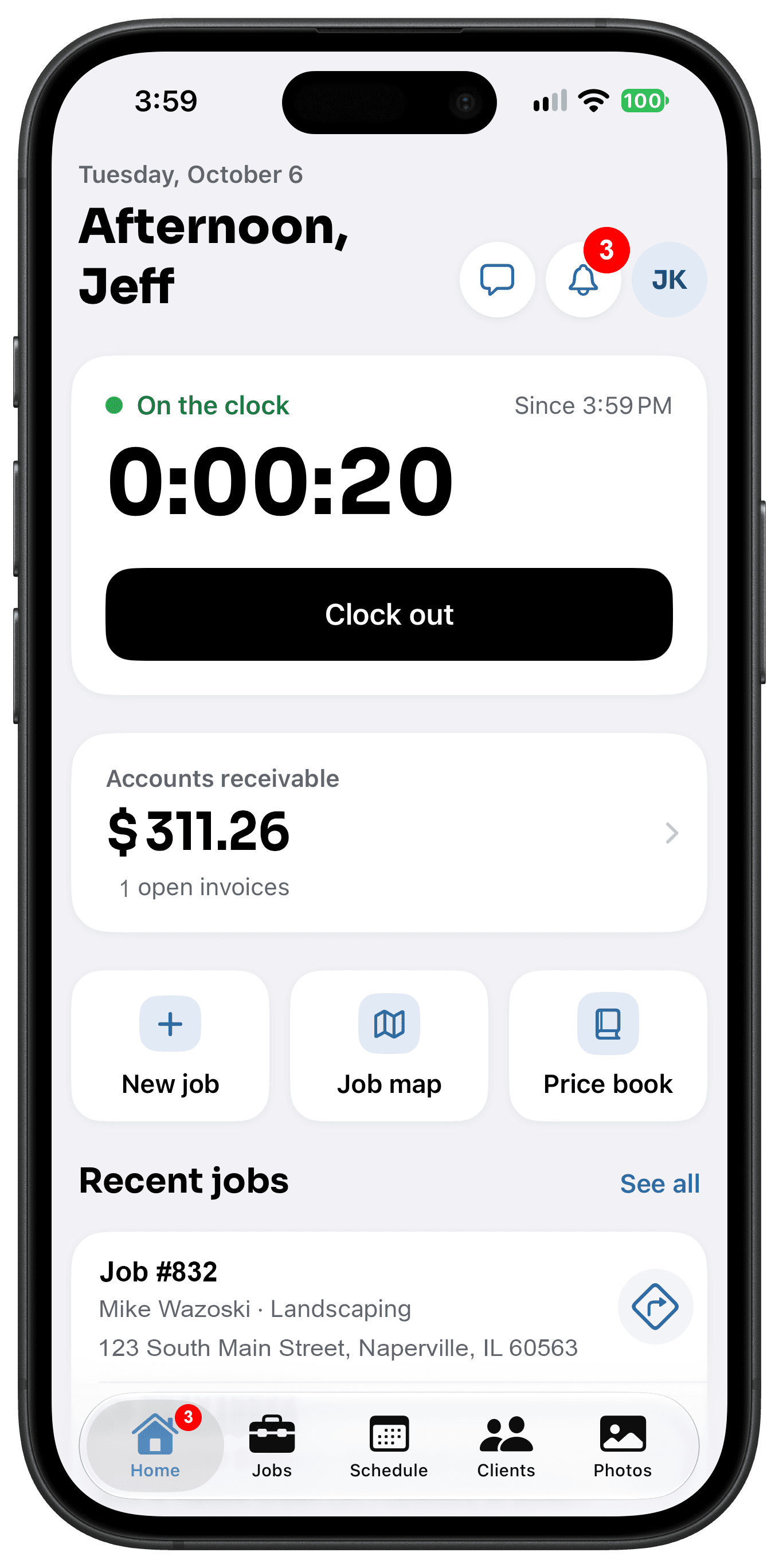
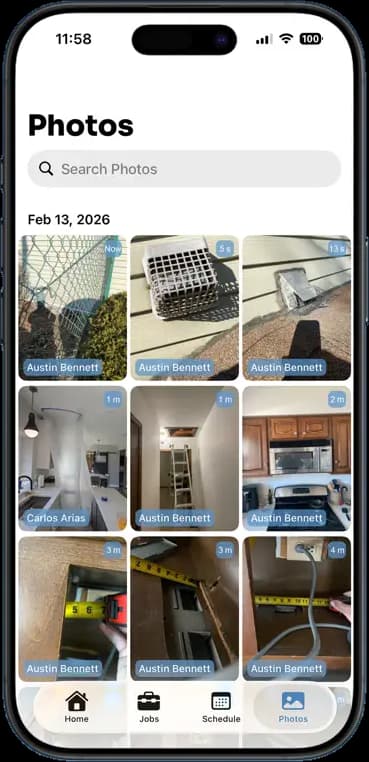
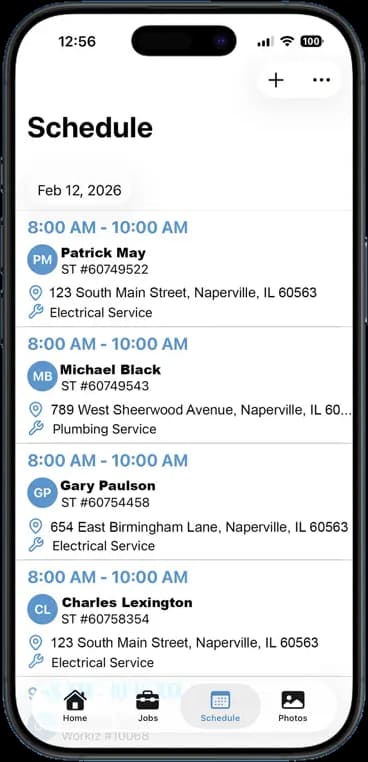
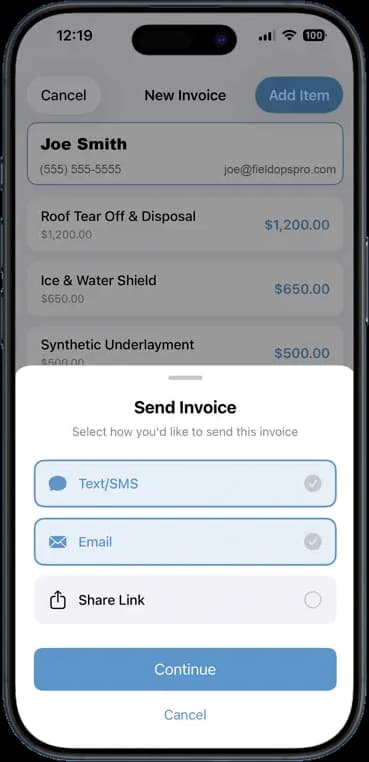
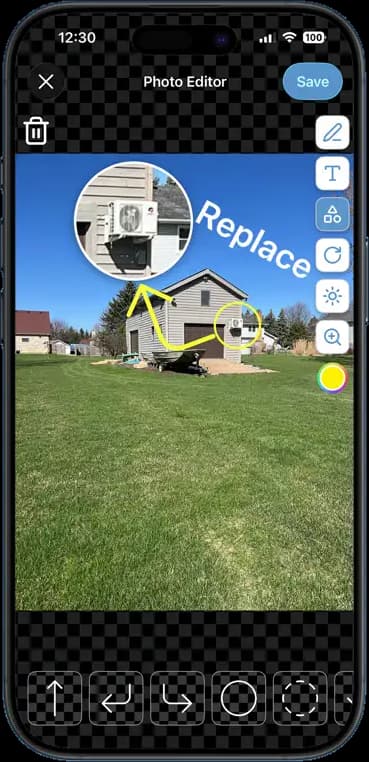
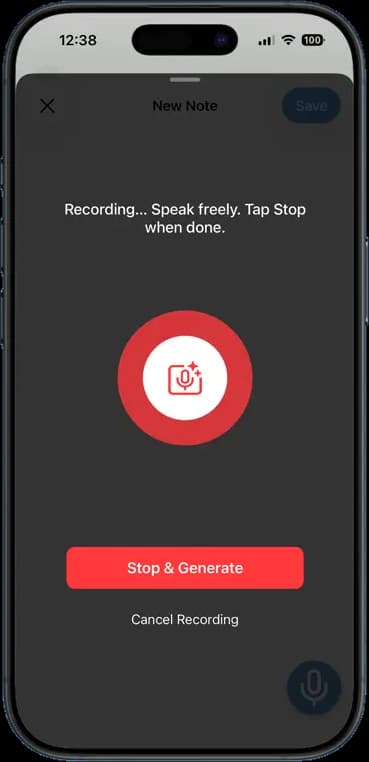
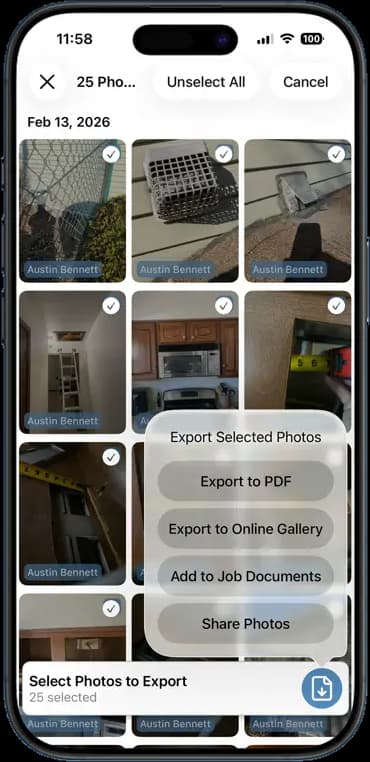
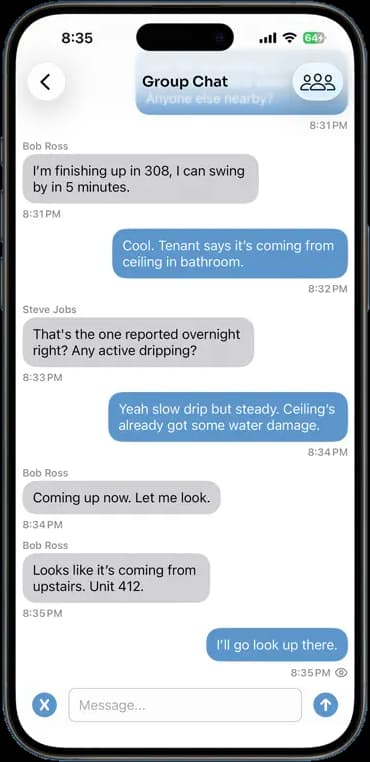
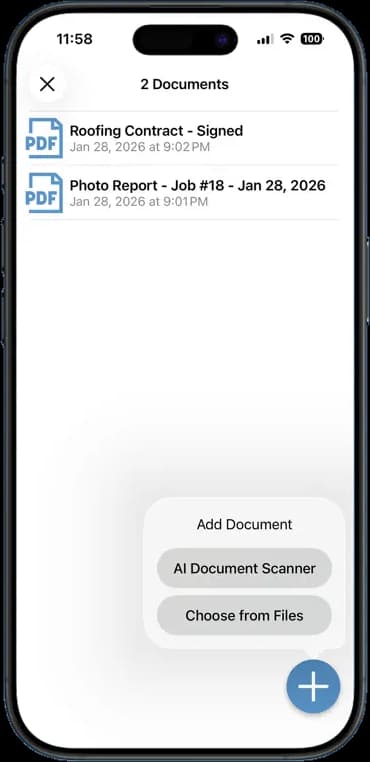
Photos, schedules, notes, invoices, chat, and documents — one app, one login, one price.
FAQ
Questions crews ask about lidar scan reports.
Which phones support LiDAR scanning?
iPhone Pro and Pro Max models from the iPhone 12 Pro onward, and iPad Pro models with a LiDAR sensor. Other phones can still view and share the reports.
How accurate are the measurements?
Close enough for estimates and material takeoffs. Measurements depend on the scan, so treat them as a strong first pass and confirm critical dimensions.
Can I scan more than one room?
Yes. Each room is its own scan and its own report. Run as many as the job needs.
Does it cost extra?
No. LiDAR scanning is included in the flat $10 per user per month, like every other feature.
Stop Running Your Business on Group Texts.
One app. One crew. One login. Setup takes 3 minutes.
Try It Free for 14 Days