
Communicate directly with your team.
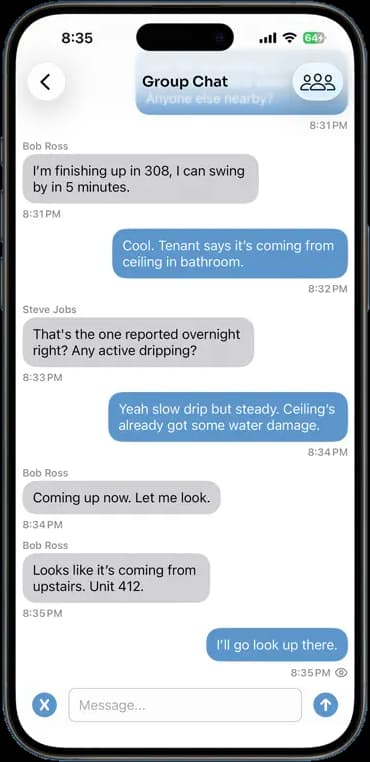
Ask who is nearby, report a leak, call for a hand. The chat lives in the same app as the job, so the conversation and the job's photos are one tap apart instead of in three different apps.
14 days free · $10/user/month after · Cancel anytime


What You Get
Team Chat, built for the job site.
Group chat for the whole crew
One thread everybody sees. Announcements, questions, and quick calls for help.
Direct messages
Talk to one person without the whole company reading it.
Built-in translation
Each person picks a language and messages are translated on their phone, so a bilingual crew reads each other.
Push notifications
Messages arrive like texts. Your crew does not have to remember to open the app.
How It Works
Three taps. That is the whole workflow.
Open chat
Group chat and direct messages sit one tap from the home screen.
Send it
Type it and tap send. It lands on every phone in the thread.
Act on it
Jump from the message to the job it is about and get to work.
14 days free · $10/user/month after · Cancel anytime
More Inside the App
Every other screen your crew will use.
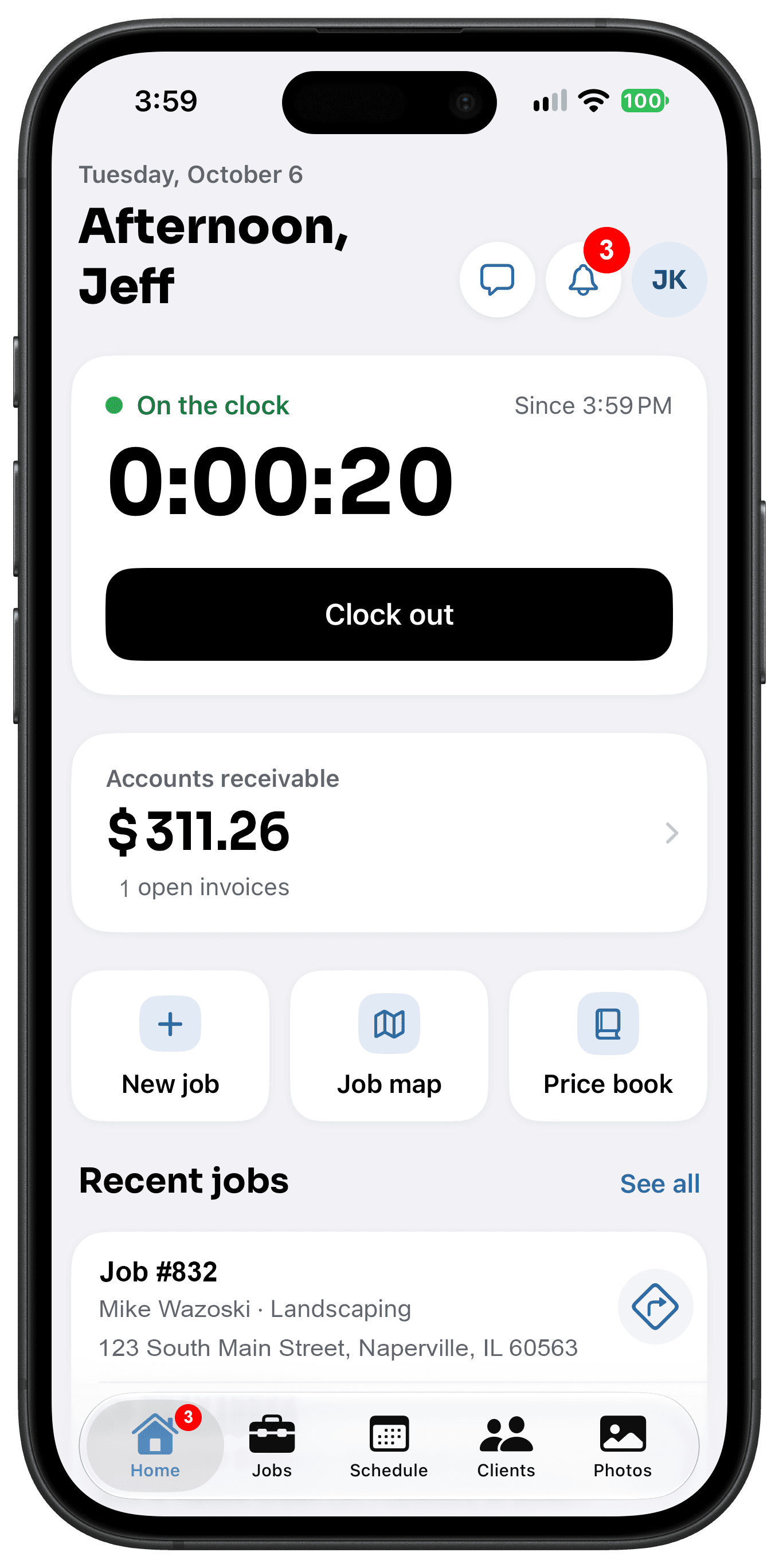
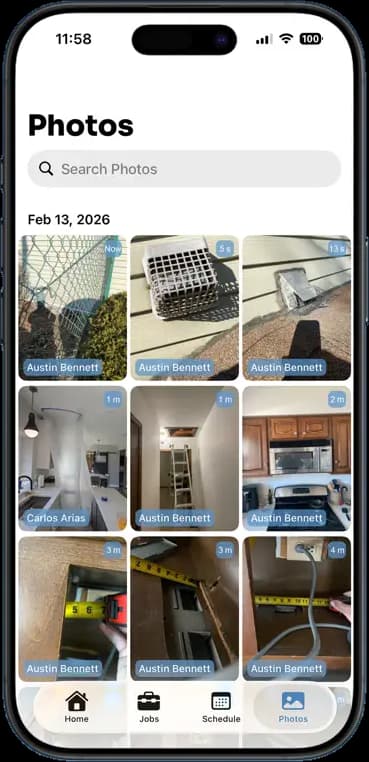
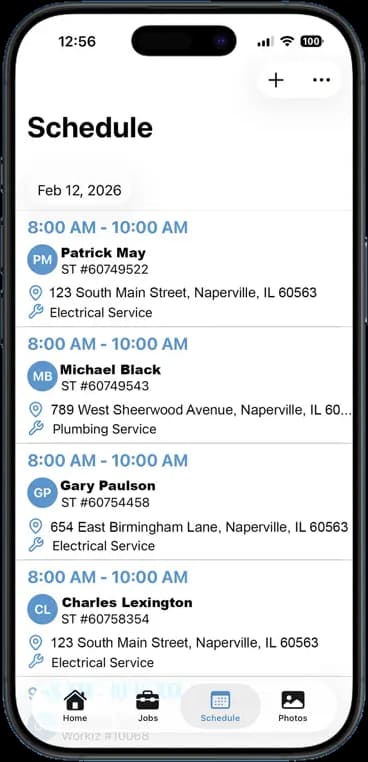
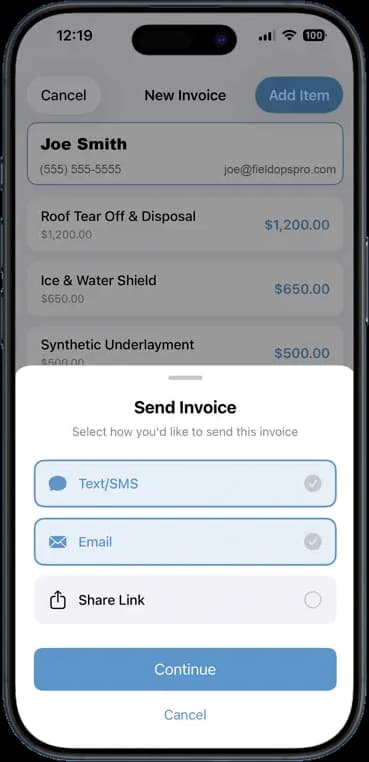
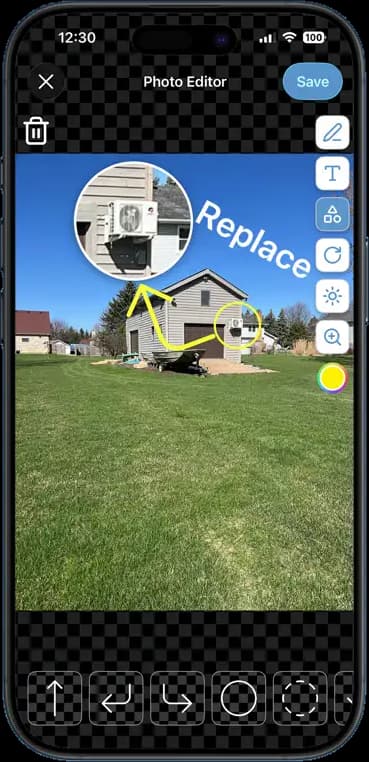
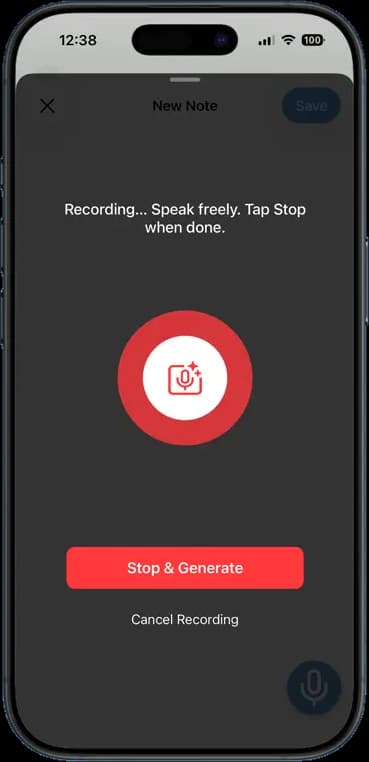
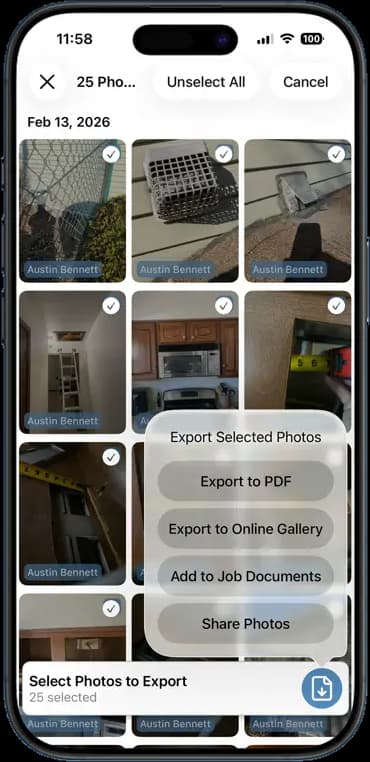
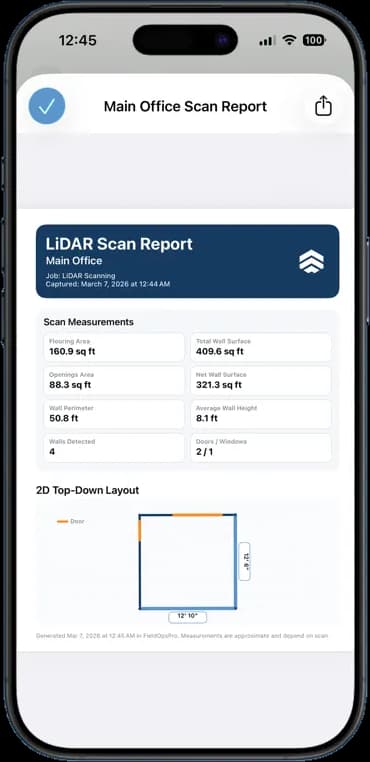
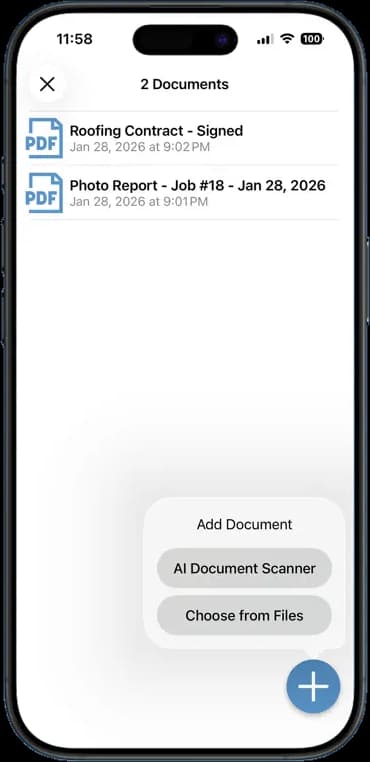
Photos, schedules, notes, invoices, chat, and documents — one app, one login, one price.
FAQ
Questions crews ask about team chat.
Does chat replace our group text?
That is the idea. Job talk moves into the app where the job is, and your personal messages stay personal.
Can I message one person?
Yes. Start a direct message with anyone on your team, alongside the group chat.
Are messages saved?
Yes. Chat history stays in the app so you can scroll back to what was said last month.
Can customers use the chat?
No. Team chat is for your crew only. Customers message your company through the client portal in the FieldOpsPro iPhone and Android apps, and that conversation stays separate from team chat.
Stop Running Your Business on Group Texts.
One app. One crew. One login. Setup takes 3 minutes.
Try It Free for 14 Days