
Export and share job photos.
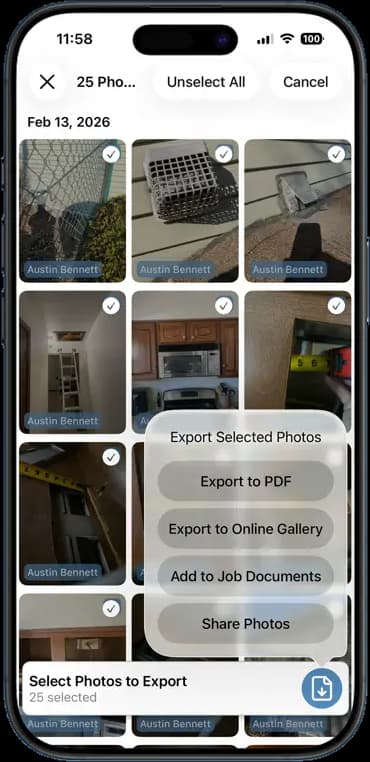
Pick the photos, pick the format. A PDF for the insurance adjuster, a gallery link for the homeowner, a file for the office. All from the job, all in a few taps.
14 days free · $10/user/month after · Cancel anytime


What You Get
Photo Exports & Sharing, built for the job site.
Export to PDF
Selected photos become a clean report with your logo, the job details, and a caption on each shot.
Share an online gallery
Send a link. The customer opens a web gallery of the photos with no app and no login.
Add to job documents
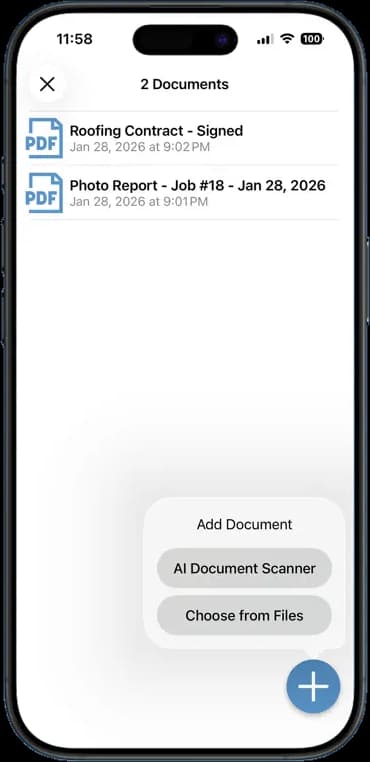
File the export with the job so the contract, the report, and the photos live together.
Select many at once
Tap to select, or select all for a date. Export a full day of photos in one go.
How It Works
Three taps. That is the whole workflow.
Select photos
Tap the ones you want, or select a whole day.
Pick a format
PDF, online gallery, job documents, or a plain share.
Send it
Text or email the file or link straight from the phone.
14 days free · $10/user/month after · Cancel anytime
More Inside the App
Every other screen your crew will use.
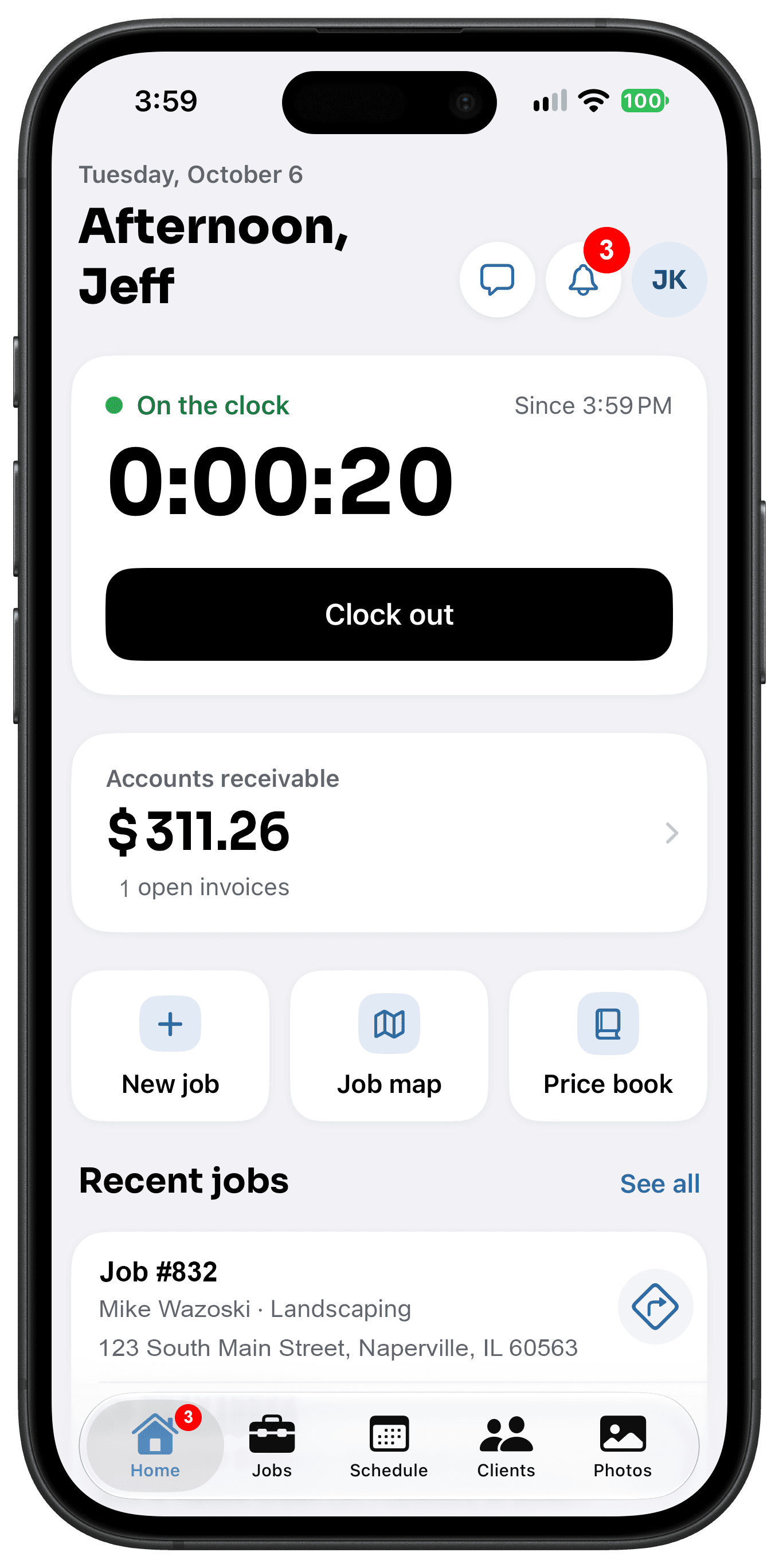
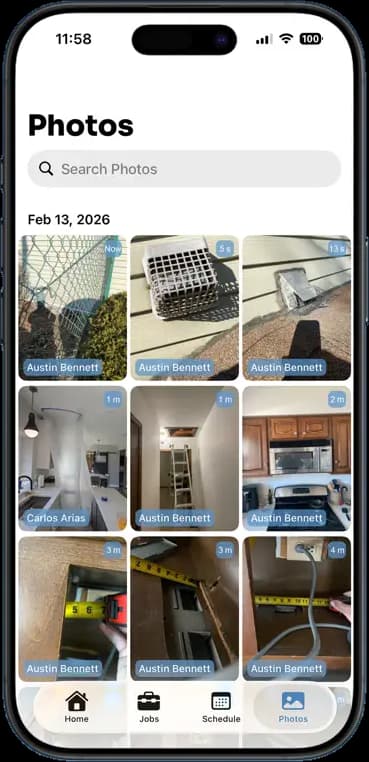
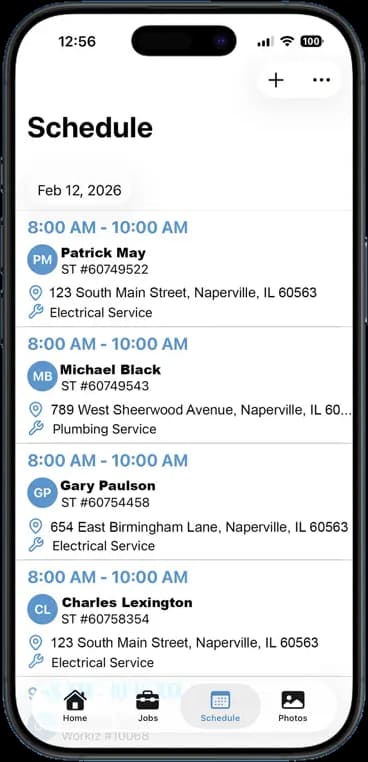
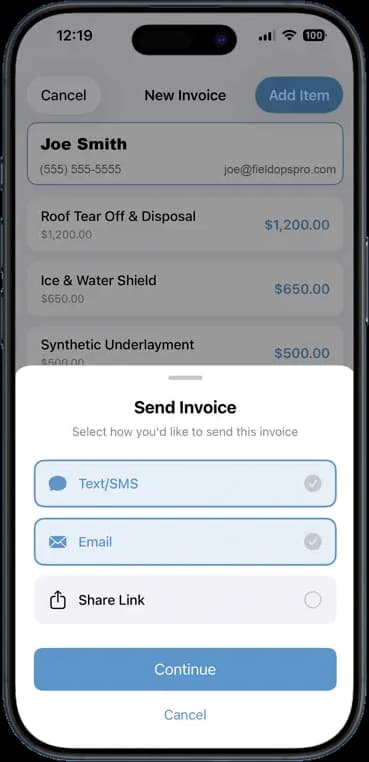
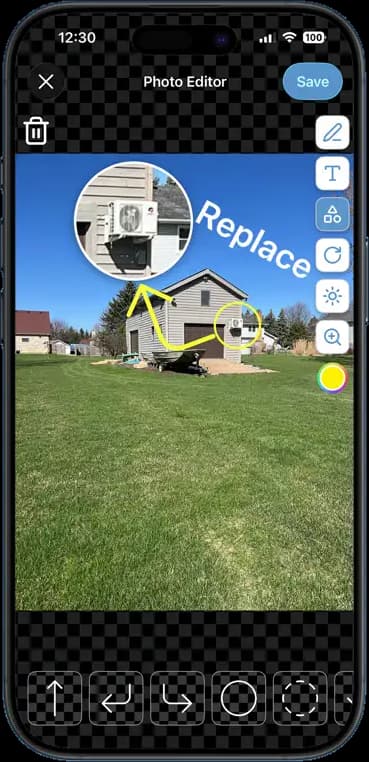
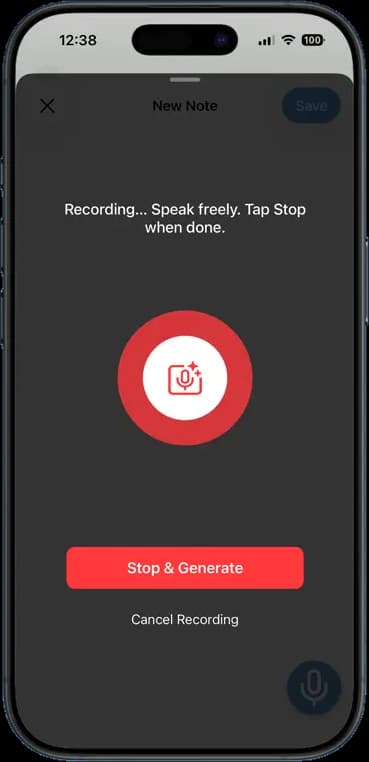
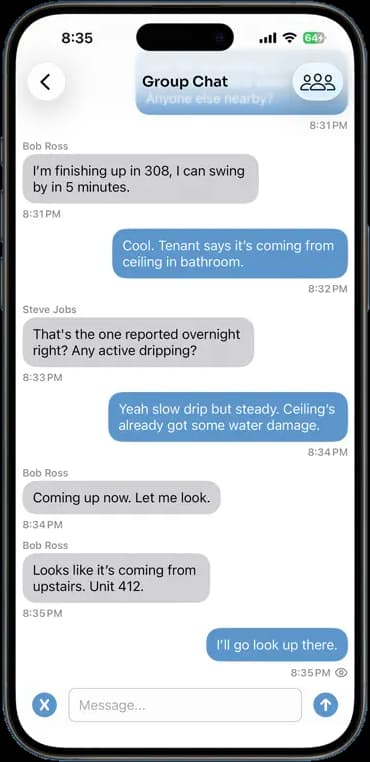
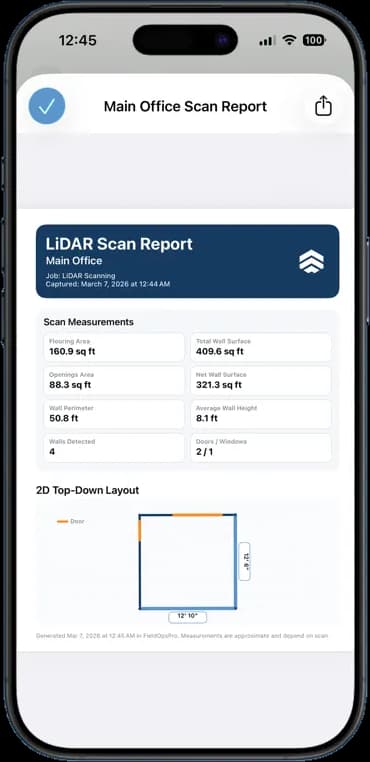
Photos, schedules, notes, invoices, chat, and documents — one app, one login, one price.
FAQ
Questions crews ask about photo exports & sharing.
Does the gallery link expire?
No. The link stays live until you remove it, so the customer can come back to it.
Can I add captions to the PDF?
Yes. Photo notes and markup carry through to the PDF, and you can add a caption to any photo before you export.
Does the customer need the app to see the gallery?
No. The gallery opens in any web browser on a phone or a computer.
Can I export videos too?
Yes. Videos share by link and by gallery. PDFs hold photos only.
Stop Running Your Business on Group Texts.
One app. One crew. One login. Setup takes 3 minutes.
Try It Free for 14 Days